
How to Write Appointment Confirmation Emails That Actually Reduce No-Shows (With Templates)
-

-
-

27 Mar, 2026
-

11 min read
-
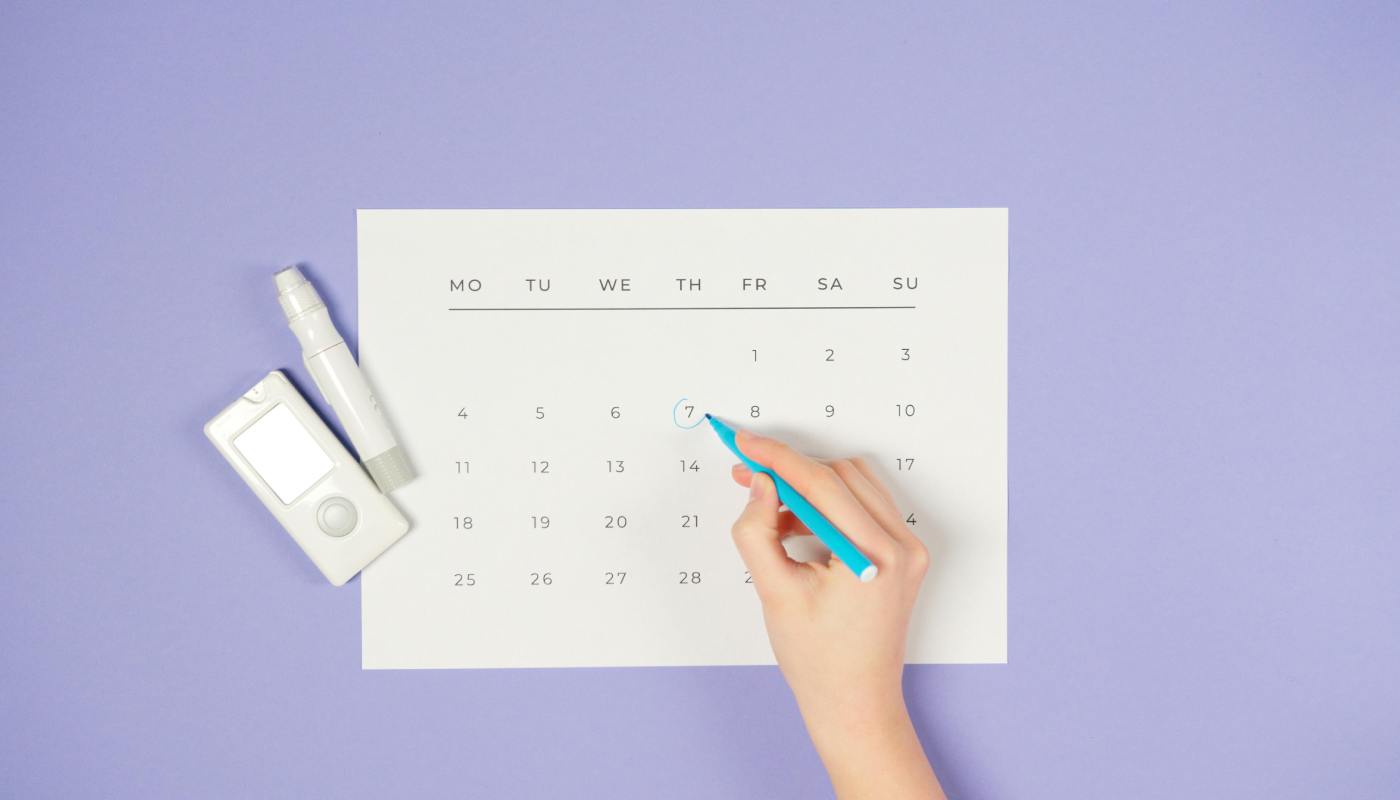
Most appointment confirmation emails do one thing: confirm the appointment. Date, time, address, maybe a contact number, and that's it. The customer files it away or ignores it completely, and the business ticks a box marked "confirmation sent." That's a waste of a customer touchpoint.
Between the moment someone books a job and the moment your engineer rings the doorbell, you have several chances to communicate something useful. Businesses that use those chances well have fewer no-shows, fewer failed visits, and customers who are more prepared when the engineer arrives. Those that treat confirmation as admin get the admin results: late cancellations, locked gates, no one home, and engineers driving back with nothing to show for it.
Here we take a look at how to build a communication sequence that actually works, why each message matters, and templates you can copy and adapt for your own business.
Why the confirmation email is more than a receipt
When a customer books a service visit, they start a mental countdown. Depending on how urgent the job is, they might rearrange their day around it, arrange for someone to be home, or move furniture. What they don't do, in most cases, is remember every detail you told them on the phone.
Research on no-show rates consistently finds that forgetfulness is the leading cause of missed appointments. Not disinterest, not second thoughts, just a booking that slipped from memory during a busy week. One in three missed appointments comes down to the customer simply forgetting. That's not a conversion problem. It's a communication problem.
The confirmation email is your first chance to solve it. A well-written one does several things at once: it reassures the customer the booking is real, gives them something to refer back to, and starts setting expectations for the visit. A poorly written one gets skimmed and archived.
The difference between those two outcomes isn't the existence of the email. It's what's in it and how it's framed.
What a no-show actually costs
Before getting into the how, it's worth understanding the why in financial terms.
Research cited by Salesforce found that 47% of field service appointments don't go as planned, with customer miscommunication cited as one of the main causes alongside missing parts and scheduling issues. That's nearly half of all jobs disrupted before an engineer has even picked up a tool.
A failed visit isn't just a wasted journey. It's the engineer's time, the fuel, the overhead for those hours, and the rescheduling admin. If your average engineer costs the business £40 per hour fully loaded and a failed visit burns 90 minutes including travel, that's £60 gone before anyone's been paid for the job. Do that twice a week across a team and the annual cost runs into thousands.
Good pre-visit communication doesn't eliminate all of this. But appointment reminders alone have been shown to reduce no-show rates by up to 38% in studies from Imperial College London. That's a meaningful return for sending a few well-timed messages.
The full sequence: not just one email
This is where most businesses go wrong. They send a confirmation when the job is booked and nothing else until the engineer shows up. The customer gets one email, reads it in passing, and forgets it exists by the time the appointment comes around.
The businesses with the lowest no-show rates treat pre-visit communication as a sequence, not a one-off. It looks like this:
-
Booking confirmation — sent immediately after the job is scheduled. Confirms the basics and sets expectations for what happens next.
-
Day-before reminder — sent the evening before the appointment. Brief, functional, gives the customer a chance to raise issues while there's still time to do something about them.
-
Morning-of message — sent on the day, confirming the engineer is on their way or will be attending as planned. Includes an arrival window if you can narrow it down.
-
Running late message — sent if the engineer is delayed. This one is optional in the sense that you hope not to need it, but having a template ready means you can send it quickly rather than scrambling.
-
Post-job follow-up — sent within a few hours of completion. Thanks the customer, invites feedback, and keeps the door open for future work.
That's five touchpoints across a single job. Each one has a job to do. None of them need to be long.

What field service confirmation emails need that generic ones don't
Pick up any template from a generic scheduling guide and you'll find the same three pieces of information: date, time, and a note about cancellation policy. That's fine for a hair appointment. It's not enough for a field service visit.
Your customers are giving an engineer access to their home or business. They're rearranging their day. They might need to clear an area, turn off utilities, ensure a car is moved, or make sure a pet is contained. That kind of preparation doesn't happen unless you ask for it.
According to Salesforce research, 74% of field workers say customer expectations are higher than they used to be, and 73% say customers want a more personal experience than before. A confirmation that tells someone who is coming, roughly when they'll arrive, and what they need to do before the visit delivers exactly that, at no additional cost and no extra engineering time.
Seventy percent of customers would recommend a service provider to others if their field representative arrived on time, according to a study by IBOPE Zogby and TOA Technologies. The single biggest driver of a recommendation is punctuality, which is partly about your scheduling and partly about the customer being ready when you arrive.
A good field service confirmation email includes:
-
The engineer's name — not just "a member of our team". People are more comfortable letting a named person into their property than an anonymous one.
-
An arrival window — "between 9am and 12pm" is better than "morning". Narrower is better still if your scheduling allows it.
-
What the customer needs to do — access requirements, things to move, utilities to isolate, parking for the van.
-
A direct number — someone to call if plans change, not just a general inbox.
-
What happens next — if there's paperwork, a certificate, or a follow-up job, say so.
None of this is complicated. It's just specific, and specificity is what most template-based confirmation emails lack.
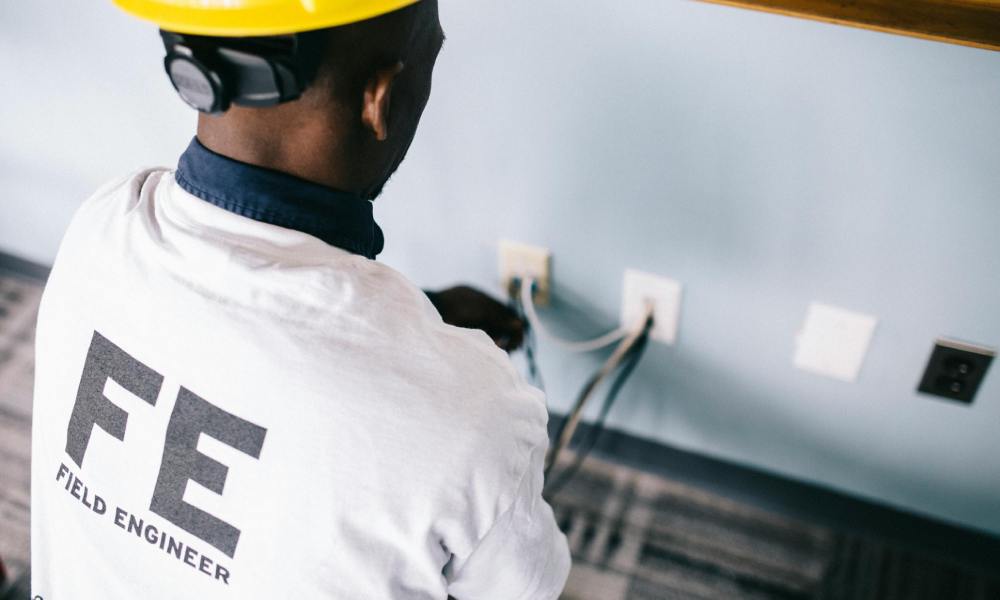
Templates for every stage
These templates are written to be copied and adjusted. They're deliberately brief. Customers don't read long emails before a service visit, and keeping them short is a feature, not a shortcut.
Template 1: Booking confirmation (send immediately)
Subject: Your [service type] is booked — [date]
Hi [first name],
Your [service type] is confirmed for [date] between [time window].
Your engineer will be [engineer name]. If anything changes before the visit, the best number to reach us on is [phone number].
A couple of things that would help us on the day:
-
[Access requirement — e.g. "Please ensure the side gate is unlocked"]
-
[Preparation requirement — e.g. "The boiler room should be clear and accessible"]
-
[Parking note if relevant — e.g. "Our engineer will need a space nearby for the van"]
We'll send you a reminder the evening before your appointment. If you need to reschedule, please give us at least 24 hours' notice so we can offer the slot to someone else.
See you on [date].
[Business name] [Phone number]
Template 2: Day-before reminder (send the evening before)
Subject: Reminder: [engineer name] is visiting tomorrow
Hi [first name],
Just a reminder that [engineer name] will be with you tomorrow, [date], between [time window].
If anything has changed or you need to rearrange, please let us know today — [phone number] or reply to this email.
See you tomorrow.
[Business name]
Template 3: Morning-of message (send on the day)
Subject: [Engineer name] is on the way today
Hi [first name],
[Engineer name] is on schedule for your visit today and should arrive between [narrowed time window].
If you need to reach us before then: [phone number].
[Business name]
Template 4: Running late (send as soon as you know)
Subject: Update on today's visit
Hi [first name],
We wanted to let you know that [engineer name] is running behind today — [brief reason if you have one, e.g. "the previous job overran"]. We now expect to arrive around [revised time].
Sorry for the inconvenience. If this creates a problem, please call us on [phone number] and we'll work something out.
[Business name]
Template 5: Post-job follow-up (send within a few hours of completion)
Subject: Thanks for having us — any questions?
Hi [first name],
Thanks for having [engineer name] out today. The job is complete — [brief note on what was done, e.g. "your annual boiler service is done and the certificate will arrive by email within the next hour"].
If you have any questions about the work, or notice anything you'd like us to look at, just get in touch: [phone number] or [email].
If you were happy with the visit, a quick Google review helps us a lot — [Google review link].
[Business name]
The mistakes that undo good communication
Sending the messages is the easy part. These are the habits that make them less effective:
Using a no-reply address. If a customer hits reply and gets a bounce, you've told them their response doesn't matter. Use an address someone monitors.
Writing in corporate voice. Phrases like "we look forward to providing you with an exceptional service experience" read as filler. Customers skim past them. A confirmation that says "see you Tuesday" is more human and more memorable than one that thanks someone for their valued custom.
Sending everything by email when SMS works better. SMS messages have an open rate of around 98%, compared to 20-28% for email. For time-sensitive messages like the morning-of message or the running-late alert, SMS gets read. The booking confirmation can be email. Reminders and day-of updates work better as texts. A mix of both is better than relying on one channel.
Leaving the customer with nothing to do. A good confirmation doesn't just inform, it invites action. That might be confirming they've read it, checking their access arrangements, or knowing they can reschedule if needed. Giving people a clear next step reduces the chance they'll treat the message as passive information.
Going quiet when things change. If the engineer is delayed, stuck in traffic, or dealing with an emergency from the previous job, the worst thing you can do is say nothing. A customer who knows you're running 45 minutes late can adjust their plans. A customer who's been waiting with no word is already frustrated by the time the engineer arrives, and a good job won't fully recover that.
How Fieldmotion makes this automatic
The most common reason businesses don't send pre-visit sequences is that doing it manually takes time they don't have. Chasing five touchpoints across every job, every day, quickly becomes its own job.
Fieldmotion's customer communication tools let you set up automated messages that trigger at the right moments: booking confirmed, day before, morning of, job complete, without anyone in the office having to remember to send them. The engineer's name pulls from the job record. The time window updates if the schedule changes. The post-job follow-up goes out when the job is marked complete.
The result is that customers hear from you at the moments that matter, even during busy periods when manual communication would fall through the gaps.
If you're thinking about whether this connects to customer retention more broadly, the relationship between communication and repeat business runs deeper than most businesses realise. The customers who quietly stop using a contractor rarely say why. They just stop calling. Pre-visit communication is one of the things that prevents that slide before it starts.
FAQs
How many reminder messages should I send before a service visit?
Three is usually the right number for a standard visit: a confirmation when the job is booked, a reminder the day before, and a message on the morning of the visit. For jobs booked more than a week in advance, a mid-week reminder can help. The goal is to stay visible without becoming annoying, and most customers appreciate the contact.
Should confirmation messages be sent by email or SMS?
Both have their place. Email is better for the initial booking confirmation because it gives the customer something to refer back to with all the details. SMS works better for reminders and day-of updates because the open rate is far higher. If you can only use one channel, SMS gets read more reliably. Research consistently puts SMS open rates around 98% compared to 20-28% for email.
What should a field service confirmation email always include?
At minimum: the date, time window, engineer name, a direct contact number, and any access or preparation requirements. Most generic templates stop at date and time. Adding the engineer's name and practical instructions makes the email genuinely useful rather than just confirmatory.
How do I handle last-minute cancellations after I've already sent a confirmation?
Have a cancellation policy and include it in the booking confirmation. Most field service businesses ask for at least 24 hours' notice. If a customer cancels the same day, a message acknowledging the cancellation and offering to rebook keeps the relationship intact even when the job doesn't go ahead. For advice on the cost side of cancellations, how field service businesses should handle last-minute cancellations covers the practical and legal side of charging for missed appointments.


