Purchase Order Creation and Sending
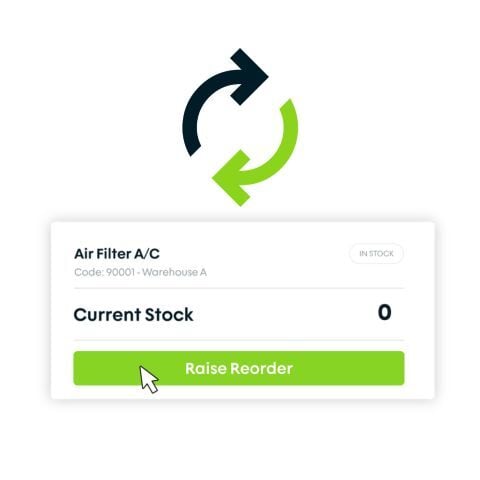
Raise POs against your configured suppliers in Fieldmotion and send them directly, with customisable templates that match your business requirements.
Raise purchase orders directly in Fieldmotion, send them to suppliers, and watch stock levels update when goods are received. No spreadsheets, no manual counting.
4.7
on Capterra
+1k
Trusted by 1000+ teams
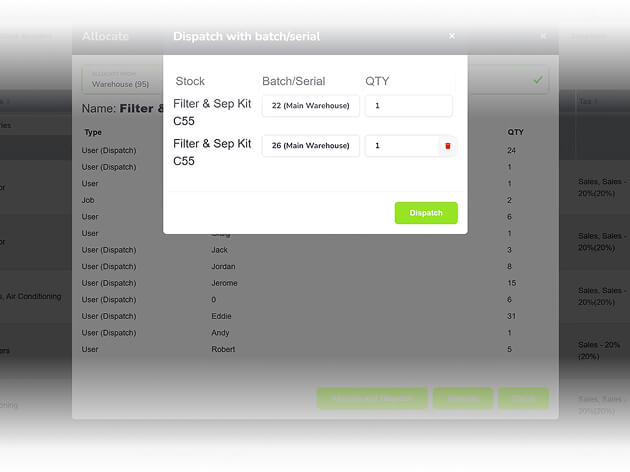
Raise and send POs to suppliers directly from Fieldmotion, with every order linked to the right job or contract.
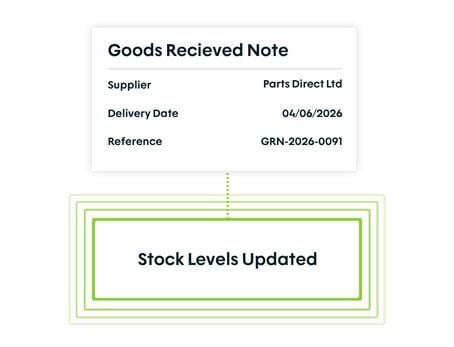
When goods arrive and a goods received note is created, stock updates automatically. No manual entry.
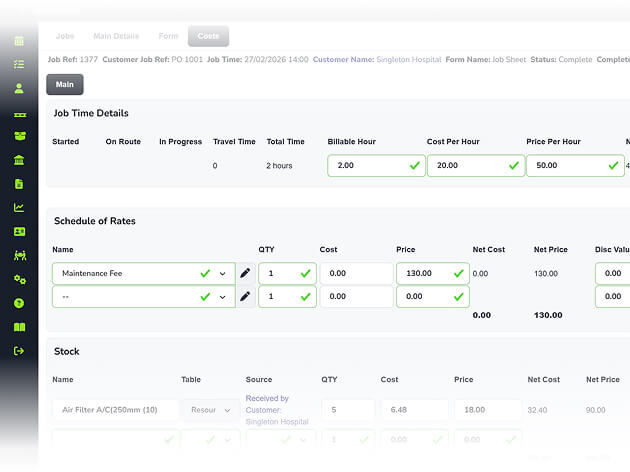
Attach purchase orders to specific jobs, contracts, quotes, or customers so costs are attributed correctly from the start.
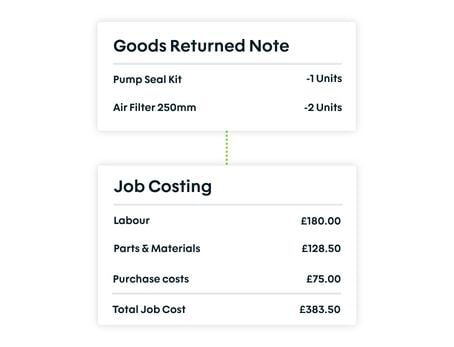
Create goods returned notes in Fieldmotion when parts go back to suppliers, keeping stock levels and costs accurate.
WHAT’S INCLUDED
Purchase orders that live inside your job management system, so procurement, stock, and job costs stay in sync from order to receipt.
Raise POs against your configured suppliers in Fieldmotion and send them directly, with customisable templates that match your business requirements.
When a delivery arrives, create a goods received note in Fieldmotion and stock levels update automatically, with no warehouse sheet and no manual adjustment.
Goods returned notes keep your stock accurate when parts are sent back, and all purchase costs flow through to job costing and reporting.
THE PROCESS
Specialised tools for every trade. Customisable workflows that adapt to how you work, not the other way around.
ROI SNAPSHOT
Fill in the fields below and generate your custom estimate.
Based on 230 working days
Fill in your numbers to see where time and money are slipping away.
What you're losing per year
With Fieldmotion you could expect
Based on industry benchmarks. Actual results will vary.
SOFTWARE INTEGRATIONS
CLIENT RESULTS
Operations Director, Just Energy Solutions
admin reduction
faster invoicing
on-time arrival
Yes. When raising a PO, you can link it to a specific job, contract, quote, or customer account. The cost of goods purchased for a job is attributed correctly when received, feeding into job costing automatically.
When a delivery arrives, you create a goods received note against the original PO in Fieldmotion. The system updates warehouse stock levels automatically based on the quantities received. If only part of the order arrives, you can receipt the partial delivery and the outstanding quantity stays on the PO for the next delivery.
Yes. Goods returned notes can be created against any purchase order and stock levels adjust automatically when a return is processed. This keeps your inventory accurate and ensures returned goods are reflected in your cost records.
Yes. Purchase order data can be exported to CSV for import into accounting packages or supplier reconciliation. For businesses using Xero or QuickBooks, purchase cost data flows through the accounts integration, cutting the need for manual data entry in your finance system.
Reclaim your time and boost profitability with the platform built for modern field service. Download our brochure instantly.