Quote Building and Templates
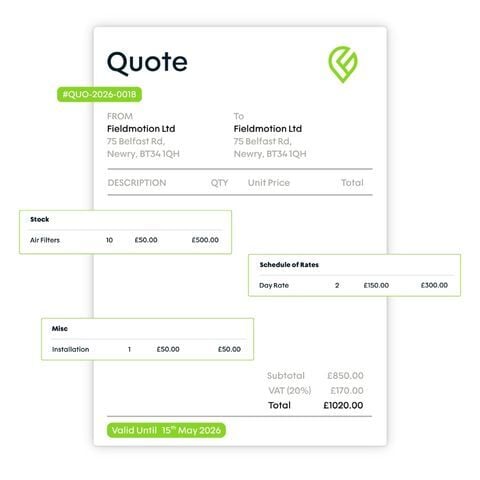
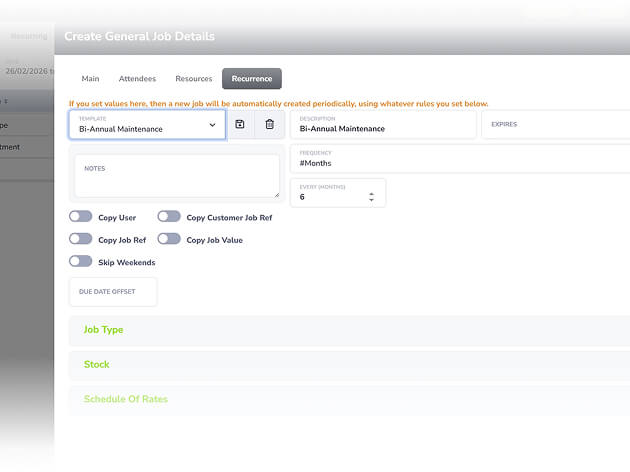
Build quotes from stock items, schedule of rates, and free text, using multi-page templates formatted the way your customers expect.
Build accurate quotes from field surveys, send them for approval, and convert accepted quotes to jobs in one click.
4.7
on Capterra
+1k
Trusted by 1000+ teams
Engineers complete a survey on-site and Fieldmotion generates a pre-populated quote automatically.
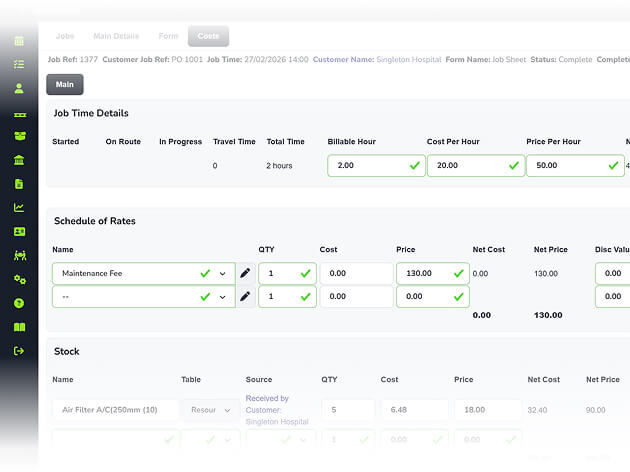
Build quotes from your stock catalogue and labour costs so pricing stays consistent and margins stay protected.
When a customer approves a quote, a job is created with all quote details carried across.
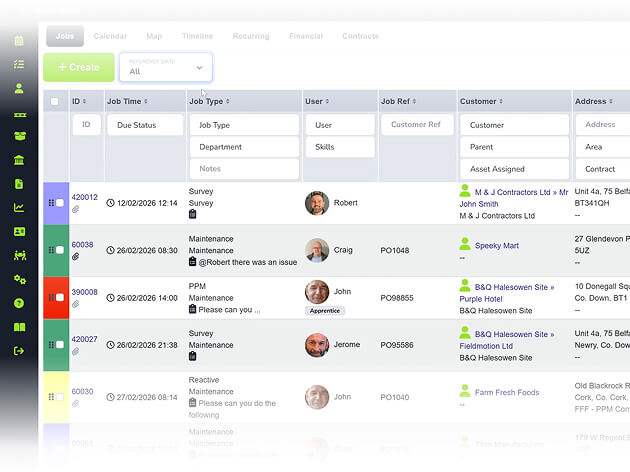
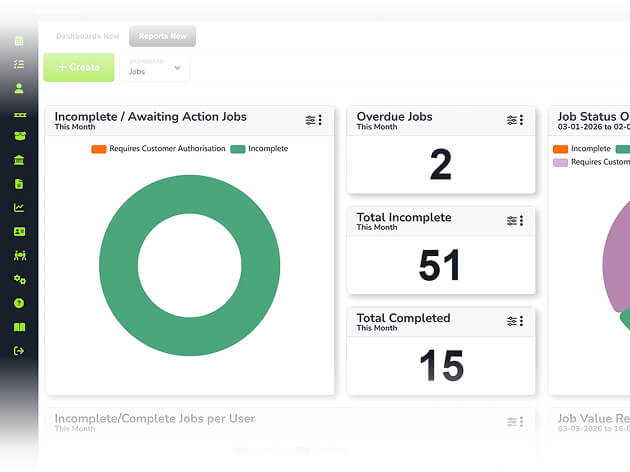
Dashboard reports show outstanding quote value, your win ratio, and where jobs are being won or lost.
WHAT’S INCLUDED
Faster quotes with better pricing and a one-click path from approval to job creation.
Build quotes from stock items, schedule of rates, and free text, using multi-page templates formatted the way your customers expect.
When an engineer completes a site survey, Fieldmotion generates a quote automatically from the form data, ready for review and sending.
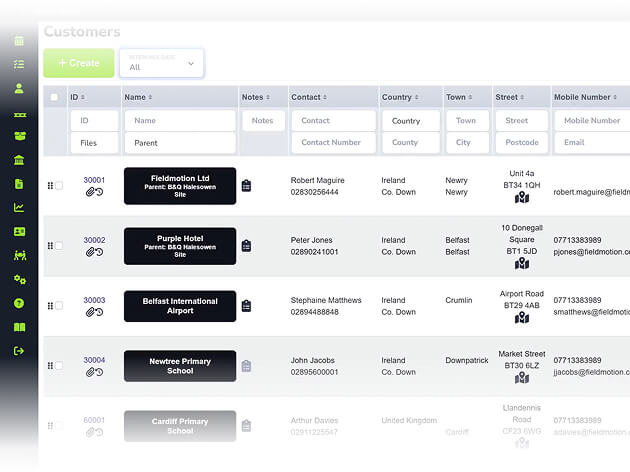
Customers receive a professional quote by email, approve it, and the job can be created in Fieldmotion immediately, with all details, costs, and assets carried across.
THE PROCESS
Specialised tools for every trade. Customisable workflows that adapt to how you work, not the other way around.
ROI SNAPSHOT
Fill in the fields below and generate your custom estimate.
Based on 230 working days
Fill in your numbers to see where time and money are slipping away.
What you're losing per year
With Fieldmotion you could expect
Based on industry benchmarks. Actual results will vary.
SOFTWARE INTEGRATIONS
CLIENT RESULTS
Operations Director, Just Energy Solutions
admin reduction
faster invoicing
on-time arrival
Engineers can complete site survey forms through the mobile app and Fieldmotion's workflow engine generates a quote automatically from the survey data. In some configurations, engineers can also build simple quotes directly in the field. The standard process is for the survey to flow to the office, where the quote is reviewed, priced, and sent, but the field data does the heavy lifting.
Yes. You can produce quotes with multiple options (different scope, different materials, or different price points) from the same survey or enquiry. Customers choose the option that suits their budget or preference, and the accepted option converts to the job when they approve.
Quotes are sent to customers by email with a clear approval mechanism. When the customer approves, the status updates in Fieldmotion and a job is created automatically with all quote details, costs, and asset references carried across. If you use the Customer Portal, customers can review and approve quotes directly from their portal login.
Fieldmotion's dashboard reports show the total value of outstanding quotes, approval rates, quote-to-win ratios, and average time from quote sent to approval. You can filter by customer, job type, or date range to identify where you're winning work and where quotes are going cold.
Reclaim your time and boost profitability with the platform built for modern field service. Download our brochure instantly.