Form-Based Trigger Logic
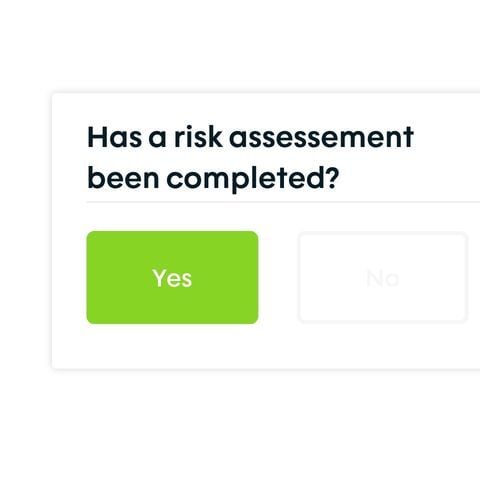
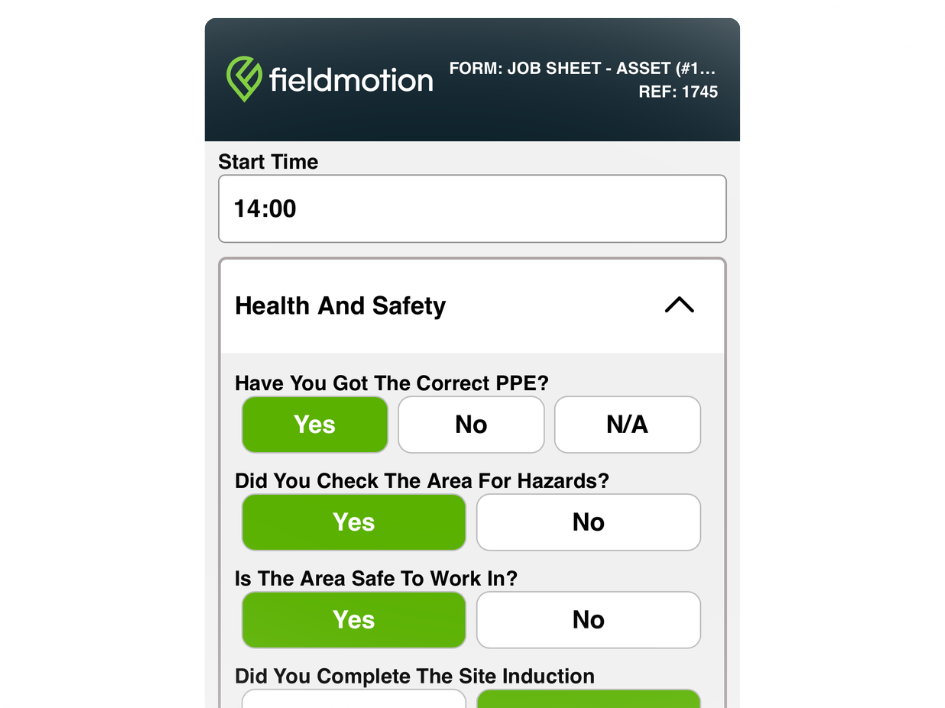
Workflows are driven by the answers engineers give in their job forms. Specific responses fire specific actions, automatically and immediately.
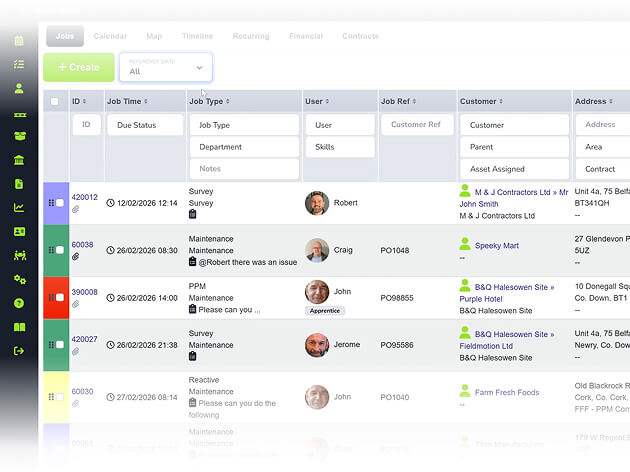
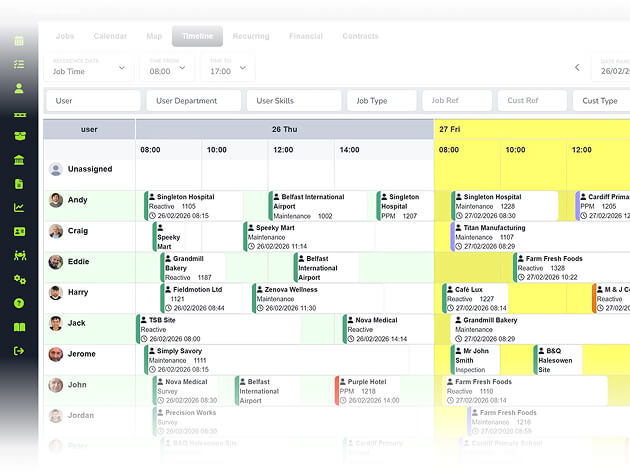
Follow-on jobs, customer notifications, quote generation, stock alerts: set up the actions that should trigger when a job outcome is recorded, then let Fieldmotion run them automatically, without any office intervention.
4.7
on Capterra
+1k
Trusted by 1000+ teams
When an engineer flags remedial work or a failed inspection, a follow-on job is created automatically.
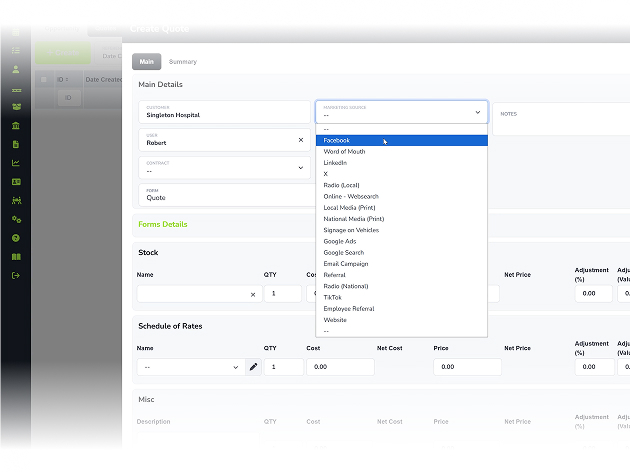
Site survey forms generate quotes automatically on submission, with no re-typing required.
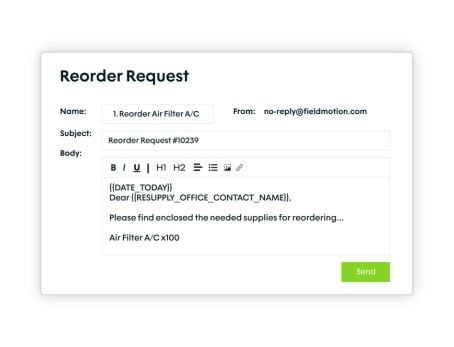
Receive automatic low stock alerts so the right person can reorder before you run out.
A job sheet or certificate goes to your customer the moment the engineer marks the job done.
WHAT’S INCLUDED
Fieldmotion's workflow engine connects your job forms to your business processes, so outcomes in the field drive the right actions in the office.
Workflows are driven by the answers engineers give in their job forms. Specific responses fire specific actions, automatically and immediately.
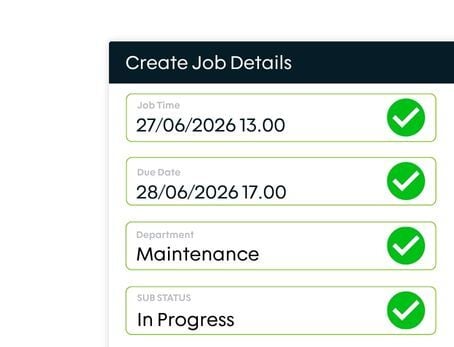
When a form response indicates follow-up work is needed, Fieldmotion creates the next job or a quote automatically, with data carried across from the original job.
Workflows can send emails to customers, engineers, or managers at any stage in the job lifecycle, confirming bookings, sharing completions, or flagging issues.
THE PROCESS
Specialised tools for every trade. Customisable workflows that adapt to how you work, not the other way around.
ROI SNAPSHOT
Fill in the fields below and generate your custom estimate.
Based on 230 working days
Fill in your numbers to see where time and money are slipping away.
What you're losing per year
With Fieldmotion you could expect
Based on industry benchmarks. Actual results will vary.
SOFTWARE INTEGRATIONS
CLIENT RESULTS
Operations Director, Just Energy Solutions
admin reduction
faster invoicing
on-time arrival
No. Workflows are configured through Fieldmotion's form builder using a simple if-this-then-that logic with no coding required. You select the form, pick the trigger condition, and choose the action. The Fieldmotion team can also help build workflows that match your existing processes.
Workflows can trigger: creation of a new job (with data carried from the original), generation of a quote from form data, email notifications to customers, engineers, or internal staff, updates to customer or asset records, and low stock alerts. Multiple actions can fire simultaneously from a single form submission.
Yes. Fieldmotion's workflow engine can pull data captured in one job form and pre-populate fields in the next job or quote. This is how survey-to-quote workflows operate: details recorded on the site survey (dimensions, asset details, scope of work) flow into the quote without being retyped.
Yes. Workflow logic is conditional. A form answer of "pass" might trigger a certificate email to the customer, while a "fail" answer triggers a follow-on remedial job and an internal alert to the scheduler. Multiple conditions can run from the same form, so complex multi-step processes automate from a single engineer interaction.
Reclaim your time and boost profitability with the platform built for modern field service. Download our brochure instantly.