• ASSET MANAGEMENT

Know your assets. Before you arrive.

Build a register of every asset across every customer site. Attach service history, certificates, and compliance records so your engineers arrive knowing exactly what they're dealing with.

  • iOS & Android App
  • Works offline
cursor
One Record

Make, model, serial number, installation date, service history, and compliance records all stored against each asset.

cursor
Arrive Informed

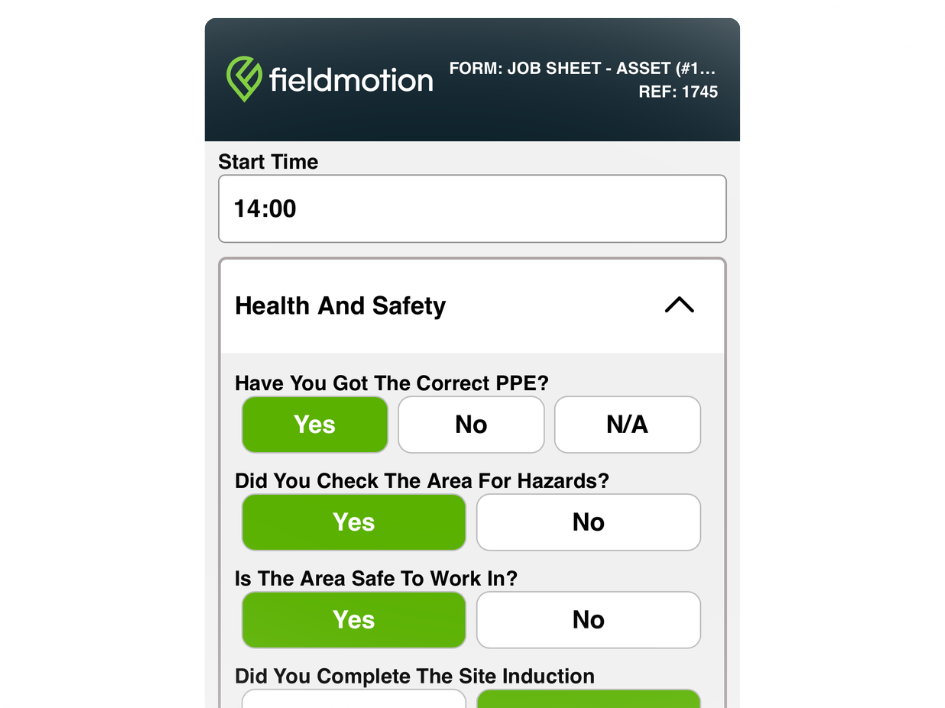
Engineers see the full asset history on their phone before the job, so they know what they're dealing with before they touch anything.

cursor
Spot Patterns

Recurring faults show up clearly in asset history, helping managers identify failing equipment before it causes costly downtime.

cursor
Audit-Ready

Attach certificates, inspection records, and compliance documents to each asset so audits take minutes, not hours.

WHAT’S INCLUDED

Register, Track & Service

An asset register that actually gets used changes how your engineers work on-site, how your managers plan, and how quickly problems get resolved.

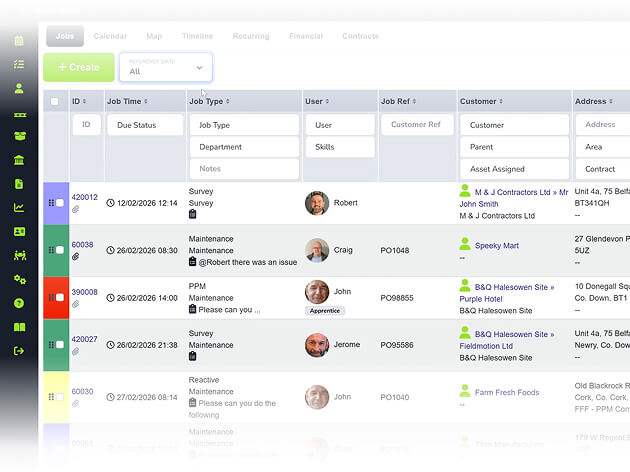
Asset Register and Site Records

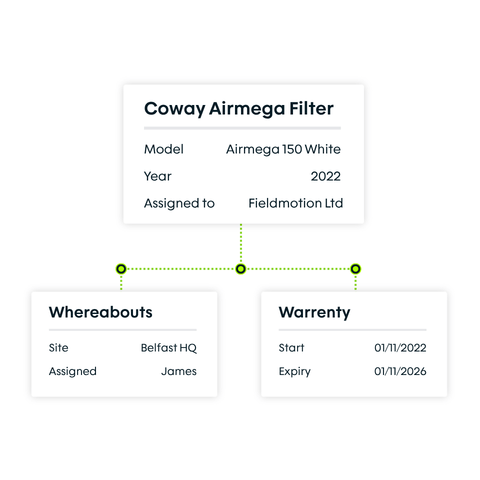
Build a structured register of every asset across every customer site, with all the detail needed to service it stored against the item itself.

  • ico
    Record make, model, serial number, and location
  • ico
    Store warranty dates and custom fields
  • ico
    Access and update records from anywhere
asset register and site records

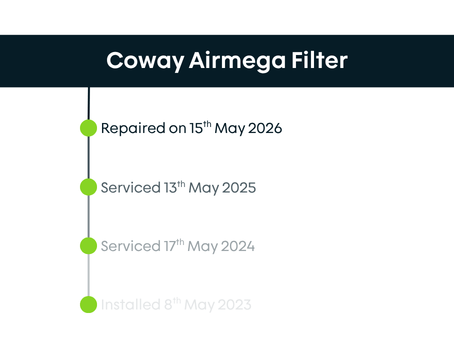
Full Service History Per Asset

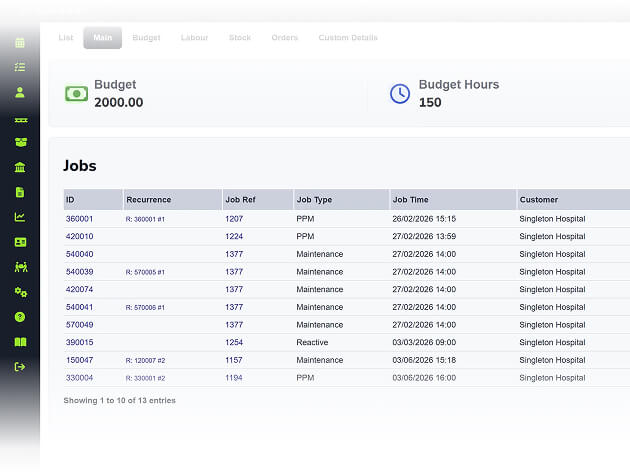
Every job logged automatically. A full record of what was done, found, and recommended.

  • ico
    View full visit history, faults, and parts per asset
  • ico
    Attach photos, forms, and certificates
  • ico
    Track asset condition changes across every visit
full service history per asset

QR Code Asset Identification

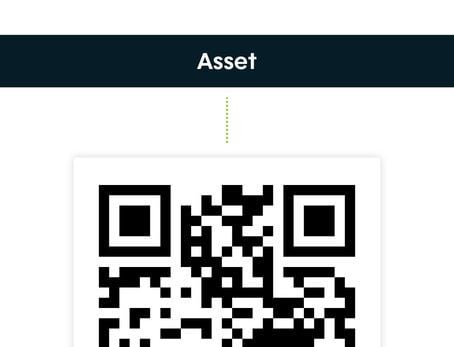
Assign QR code labels to assets so engineers open the right record in seconds on-site.

  • ico
    Generate and print QR labels from Fieldmotion
  • ico
    Scanning opens the asset record immediately
  • ico
    Make instant updates to the asset records
qr code asset identification
Group 1

THE PROCESS

How It Works

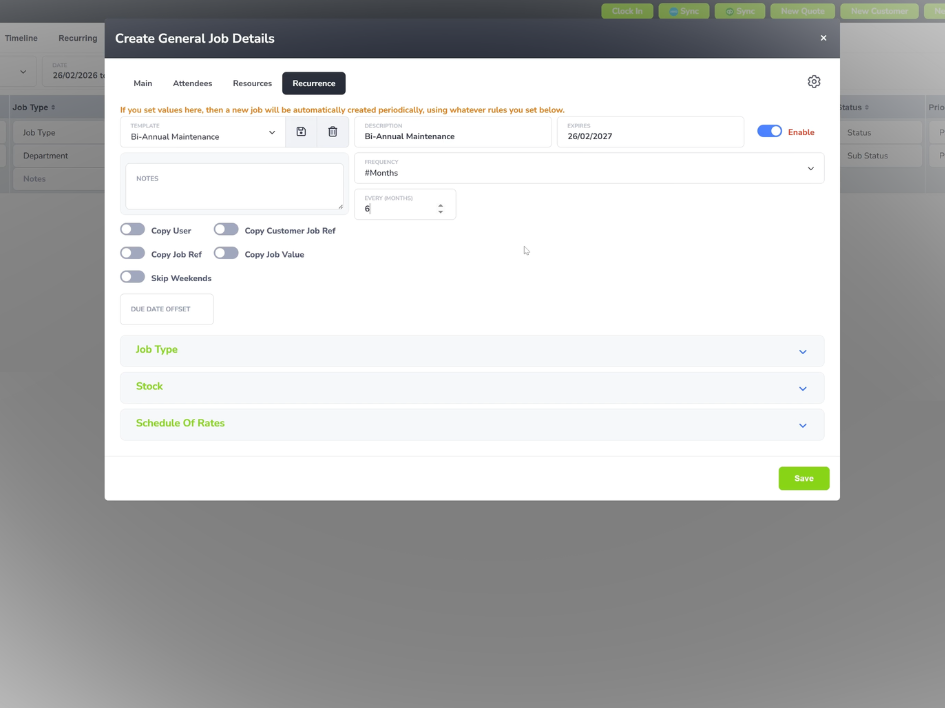
  • Add assets during a site survey or when a new customer is onboarded, via the office or mobile app.
  • Engineers scan or select the asset on-site, review history, complete their work, and log the outcome.
  • Every visit updates the asset record automatically, extending the service history over time.

ROI SNAPSHOT

Quick Estimate of the impact on your Business

Fill in the fields below and generate your custom estimate.

Phone calls, back-and-forth, manual updates

Your Estimated ROI

Based on 230 working days

Fill in your numbers to see where time and money are slipping away.

SOFTWARE INTEGRATIONS

Works with all the tools you already use

  • xero
    Syncs with customers, invoices, and payments
  • quickbooks
    Syncs with customers, invoices, and payments
  • sage
    Syncs with customers, invoices, and payments

CLIENT RESULTS

Our Customers See Real Impact

"Fieldmotion has given the business comfort that there is a software solution available to us, and a support structure in place behind it that epitomises great customer service."
autor
Kevin Gray

Operations Director, Just Energy Solutions

  • 0%

    admin reduction

  • 0x

    faster invoicing

  • +0%

    on-time arrival

FAQs

What information can be stored against an asset in Fieldmotion?

You can store make, model, serial number, installation date, condition, location within a site, and any custom fields relevant to your business. All service visits, inspection forms, photos, certificates, and engineer notes attach automatically as work is carried out, extending each asset's history across its full lifetime.

Can engineers access asset records from the field?

Engineers can view, update, and add to asset records directly through the Fieldmotion mobile app, including when offline. Full service history, previous forms, and any attached documents are all accessible from the job on their phone, so they arrive with the context they need without calling the office.

Does Fieldmotion support QR code scanning for assets?

Yes. You can generate QR code labels for any asset and print them for physical attachment. When an engineer scans the label with the Fieldmotion mobile app, the asset record opens immediately with no searching required. They can then complete forms, log parts, and update condition notes directly from the scan.

Can asset records be shared with customers?

Through the Fieldmotion Customer Portal, clients can be given access to their own asset information, including service history, upcoming maintenance dates, and any attached compliance documentation. This gives facilities managers and commercial customers the compliance evidence they need without calling your office for it.

Can we import our existing asset data into Fieldmotion?

Yes. If you have an existing asset register in a spreadsheet, an old system, or a CSV export, the Fieldmotion team imports it during onboarding. Assets, their details, and any associated site or customer records can all be brought across in one go, so you don't start from scratch.