
The New Fieldmotion App Is Here: Faster, Clearer and Easier in the Field
-

-
-

14 Sep, 2026
-

8 min read
-
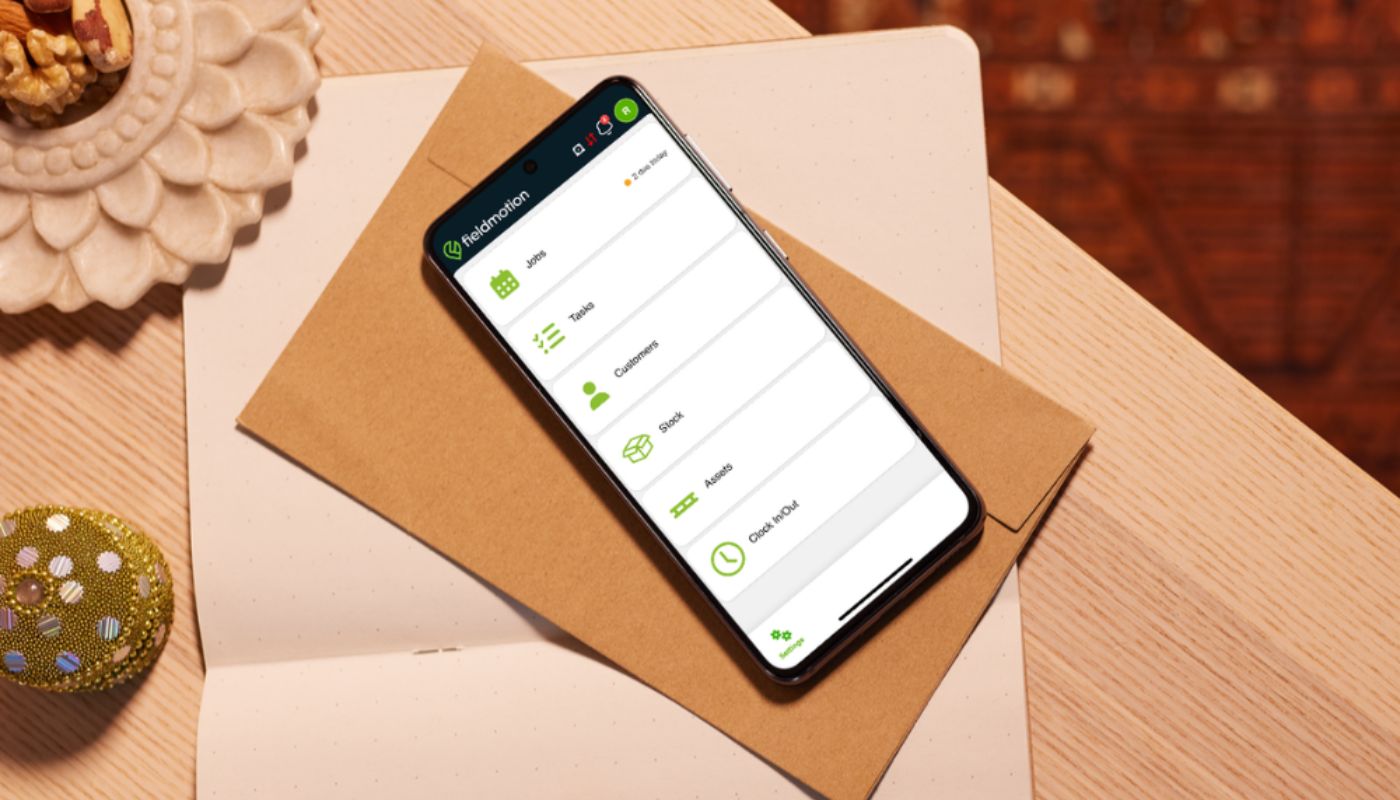
The new Fieldmotion app is live, and quite a lot has changed.
It’s been rebuilt around what engineers actually need to do during a working day. Check the next job. Find a customer address. Look up an asset. Fill in a form, take a few photos, grab the right stock and move on.
That everyday stuff should feel quicker now. The screens are cleaner, useful information is easier to get to and there’s less tapping around just to find your way back to where you started. There have also been changes behind the scenes, particularly around offline working and the way data on the device is protected.
If you already use Fieldmotion, this is what you’ll notice as the new app rolls out. If you’re considering it for your team, it gives you a better idea of what your engineers would actually be working with each day.
A cleaner app that’s easier to get around
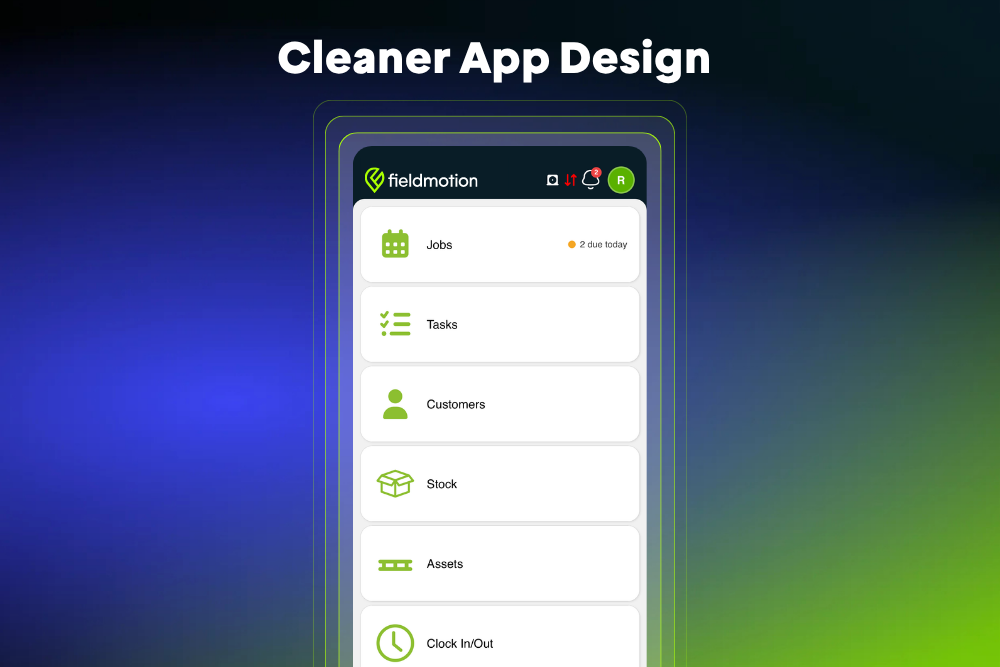
Open the new app and the difference is pretty immediate. The dashboard has changed, along with headers, menus, job cards and dialog screens. It looks more up to date, but the bigger improvement is that things are easier to find.
There’s less unnecessary scrolling too. Long pickers can be searched by typing a few letters, while filters tell you when something is active instead of quietly changing what appears on screen. Loading and empty states are clearer, so you’re not left wondering whether the app is still doing something or there simply isn’t anything to show.
Navigation has had attention as well. Moving between a job, the calendar, a customer record or the map feels more predictable, including what happens when you hit Back.
You can also see your profile and connection status without digging around. Notifications have their own place, so updates from the day don’t disappear into different parts of the app.
They’re small changes individually. During a week of site visits, though, those little bits of friction soon add up.
Finding and planning jobs takes less effort
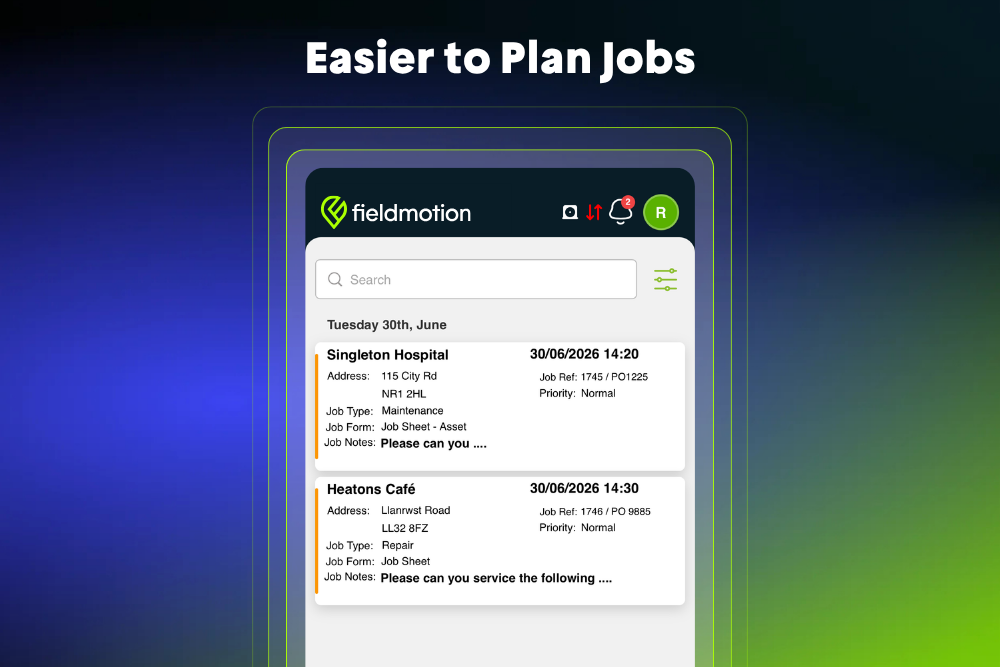
The Jobs area has moved well beyond being a basic list.
You can group work by customer and sort jobs across the full date range, making it easier to understand what’s coming up without opening each one. Job cards also show more useful information before you go into the full job.
Filtering is much more flexible. Dates, job type, priority, department and other options can be used to narrow things down, and the screen shows how many filters you currently have switched on. That matters when you’re trying to work out why a particular job has suddenly disappeared from view.
Sometimes a list isn’t the easiest way to plan a day, so there are other views available too.
The Calendar gives you a full month view. Pick a date and you can see the work booked for that day, search for jobs or narrow them down by job type and priority. Approved leave appears there too, which means engineers can see time off alongside the workload rather than jumping somewhere else to check it.
There’s also a Map view. Jobs at the same location are grouped together, with the number due at that site shown on the map. Colour coding helps separate work that’s due from work that’s overdue. Filters carry across here as well, which is handy when you’re trying to work out a sensible route rather than bouncing from one side of an area to the other.
Creating a job is less disruptive now too. If you start from the Calendar, Map, Jobs screen or a customer record, the app keeps hold of that context. Create one from the Calendar, for example, and the date you were looking at can already be filled in.
It saves a few taps each time. That’s exactly the sort of improvement you notice when you’re doing it repeatedly.
Customer and asset details are easier to get at
Arriving on site with the right information makes the job a lot easier.
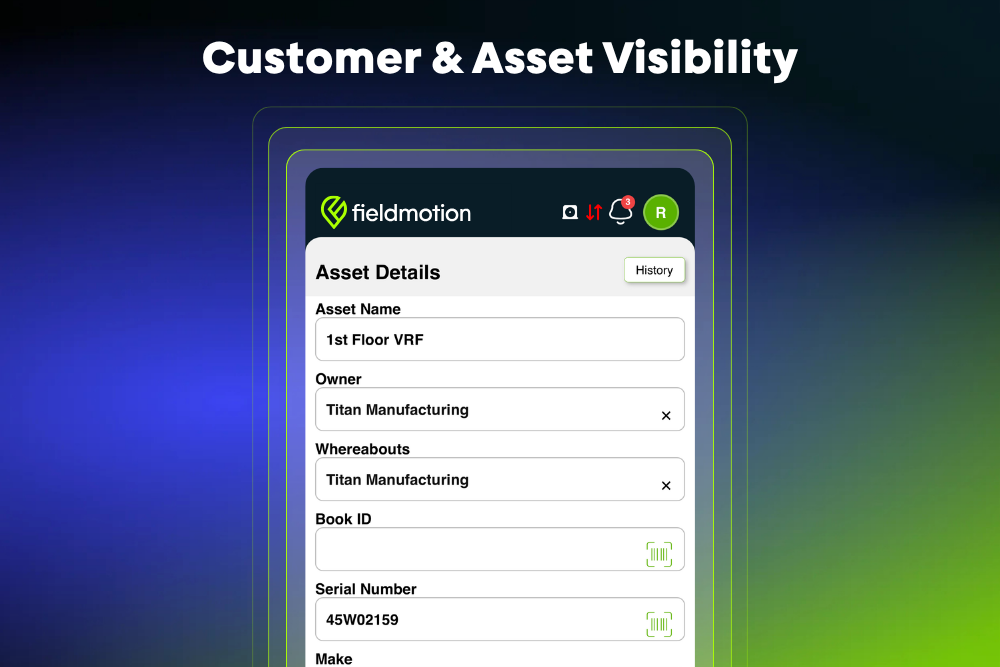
Customer records have been tidied up so engineers can get to contact actions, notes, important contacts, credit terms, files and previous jobs without as much digging. Customer addresses can be searched too, which helps when there’s a long account list to work through.
Asset records go further into the detail you might need while you’re standing next to a piece of equipment. Engineers can see service frequency and next-service information, along with warranty details, whereabouts, contacts and indicators showing whether files are available.
Finding the correct asset should be quicker as well. You can search normally, scan a barcode or QR code, or use several filters together to narrow the results by things such as asset type, owner, department, location and service status.
When a business has equipment spread across several sites, cutting down the time spent hunting for one particular asset can make a noticeable difference.
Forms and photos feel less fiddly
Nobody wants to spend longer than necessary doing admin on a phone.
Forms have been given a cleaner card-based layout, with clearer sections and full-screen editors where they make sense. If a field involves choosing from a long list, you can search the options instead of endlessly scrolling through them.
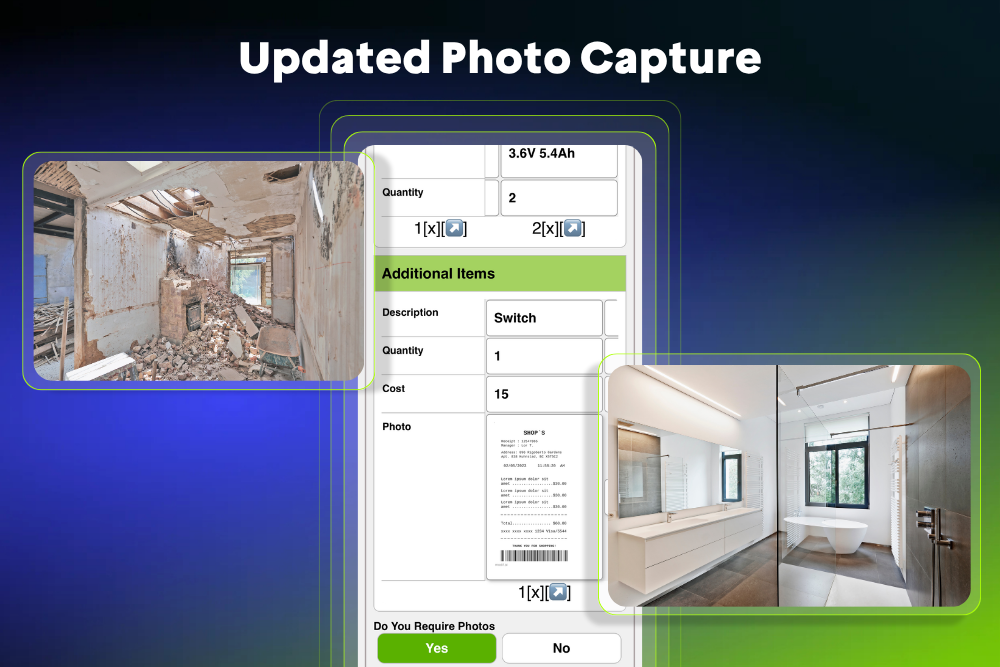
Photo capture has changed quite a bit too.
A form with several photo questions can use a multi-photo session, letting an engineer work through the images they need without repeatedly stopping and starting. Photos can come from the camera or gallery.
The camera itself is built into the Fieldmotion app now, rather than sending you out to a separate camera application. Depending on the device, engineers can use flash and zoom, switch cameras and save pictures to the gallery. It makes documenting a job feel more like part of the job instead of a separate process bolted onto it.
Stock is quicker to find and add
Stock handling has had plenty of attention in the new app.
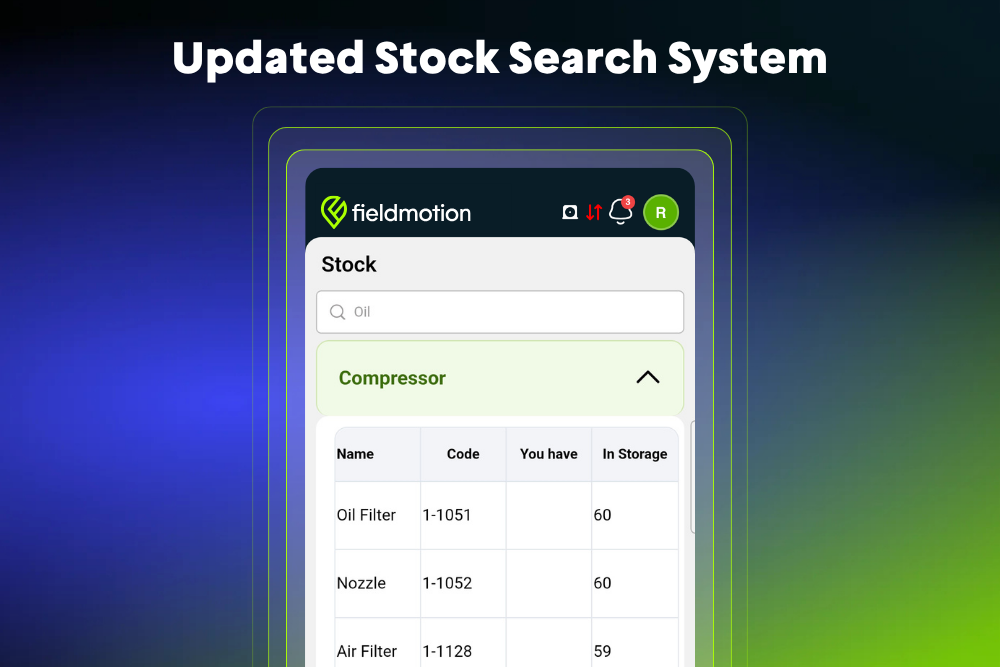
Individual items can be found using more detailed searches, including categories, serial numbers, batch references and barcode scanning. That should help when you know what you need but don’t want to work your way through a huge stock list to find it.
Bundles are easier as well. Instead of selecting every component separately, an engineer can choose the bundle and have its configured items expanded together.
Stock pickers have also been made more consistent and are paginated, which makes larger inventories easier to work through. The app can take account of stock assigned to the engineer or carried on their vehicle, helping bring the most relevant items closer to hand.
For businesses where van stock and parts management regularly becomes a headache, that can remove a fair bit of unnecessary chasing around.
Day-to-day team admin has a proper place too
The app isn’t only concerned with completing the job that’s in front of you.
Task cards contain more of the useful detail, including dates, status, notes and attached files. Filtering has been improved here as well, so finding a particular task doesn’t mean trawling through everything else.
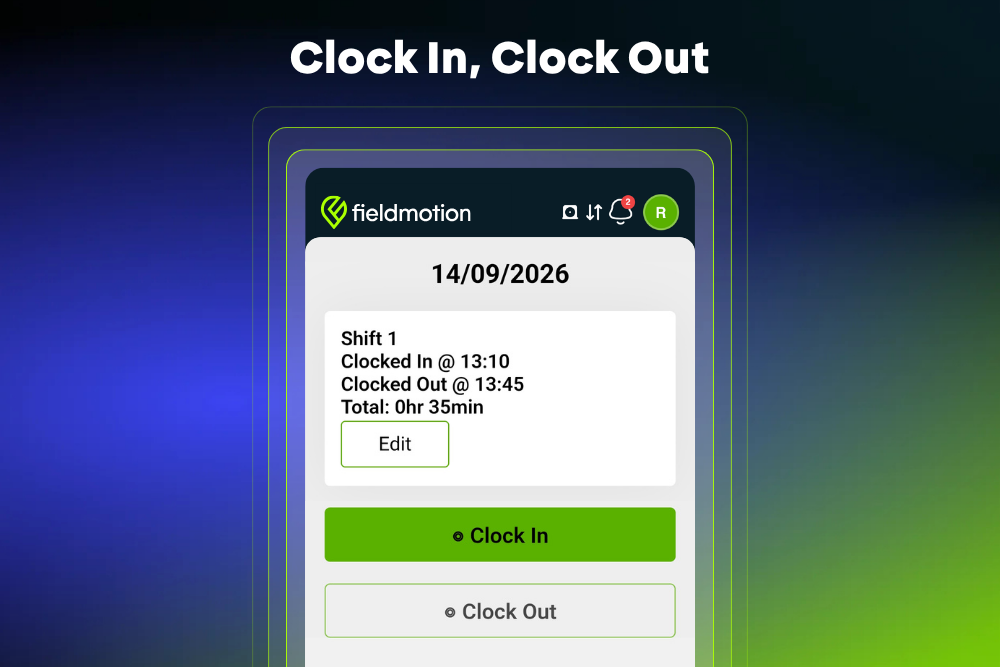
Clock-in reporting can be viewed by month, week or a custom date range, with clearer summaries and a monthly view of total hours.
Leave is handled inside the app too. Staff can check how much leave they have remaining and submit a request from there. Once approved, the leave appears on the calendar with the rest of the schedule.
Notifications have their own screen, complete with unread badges, while native push notifications are supported on Android and iPhone. When an update relates to something inside the app, it can take the user straight to the relevant place rather than leaving them to hunt for it.
There’s also a user profile, forgot-password support and the ability to download documents. A lot of those routine bits of admin can now be dealt with without leaving the app.
More dependable when the signal disappears
Good mobile coverage isn’t something field teams can rely on everywhere. Basements, plant rooms, rural sites and large buildings have a habit of proving that fairly quickly.
Some of the less visible changes in the new app are designed with that in mind.
On fresh installs, data stored on the device is encrypted, with the encryption keys kept in the phone’s secure storage. That gives locally stored information better protection if a device is lost or stolen and supports the business’s wider data protection responsibilities.
The app is also more careful with work that hasn’t finished syncing.
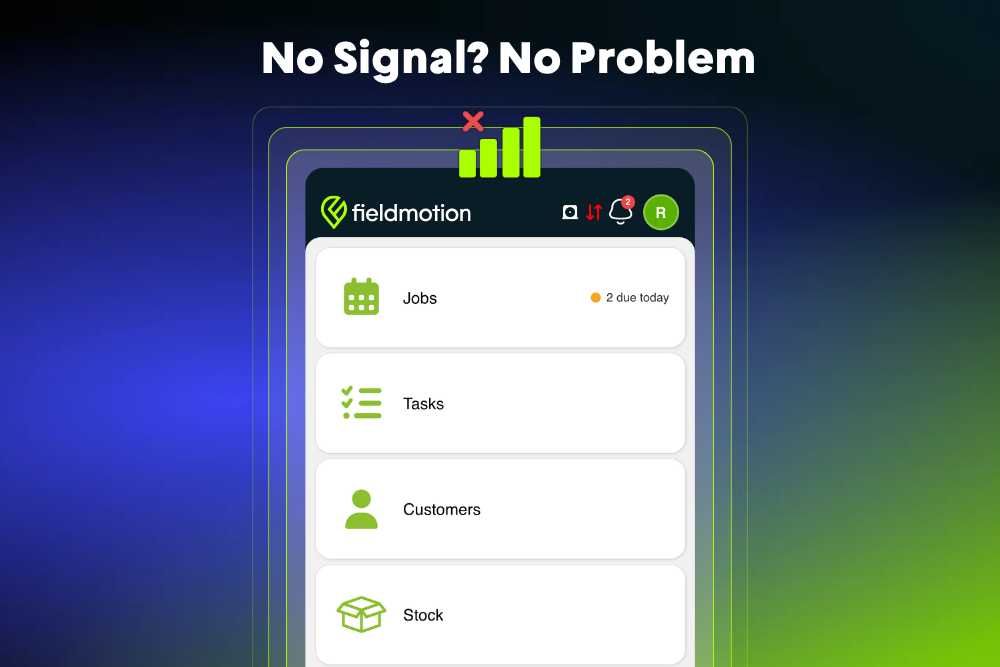
Phones sometimes close background processes at awkward moments. If that happens while information is being saved, the new app does a better job of retaining what has been entered and sending it once a connection is available again.
It isn’t the sort of feature you spend much time thinking about when everything works. When you’ve just completed a form somewhere with almost no signal, it matters a lot.
Built to make the working day feel simpler
Most of the improvements in the new Fieldmotion app come back to the same practical point: engineers should be able to get what they need and carry on with the job.
That might mean finding a customer record a little faster, spotting an overdue visit on the map, scanning the right asset instead of searching for it manually or taking several site photos without jumping in and out of different apps.
Existing Fieldmotion customers are getting a substantial change to something their teams already use every day. Businesses looking at Fieldmotion for the first time can also get a much better feel for how the mobile side of the system works out in the field, where speed and reliability tend to matter most.
What appears in the app will depend on your plan, settings, enabled features and the version installed, so every user won’t necessarily see every screen or option covered here.
If you already use Fieldmotion and want to make sure your team has the right features available, speak to your usual Fieldmotion contact. They can help you check the setup against the way your engineers actually work.


