• STOCK MANAGEMENT

Always know what's in stock. Before it runs out.

Track stock levels across engineers and locations, allocate parts to jobs as they're used, and get alerts before you run out, all from within Fieldmotion.

  • iOS & Android App
  • Works offline
cursor
Live Visibility

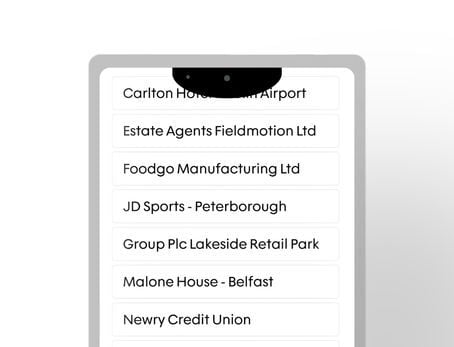
See what's in every engineer's van and the warehouse right now, not what was there last Friday.

cursor
Parts Allocated

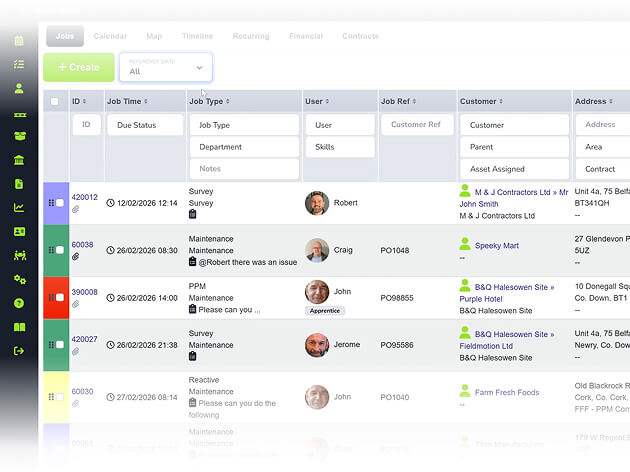
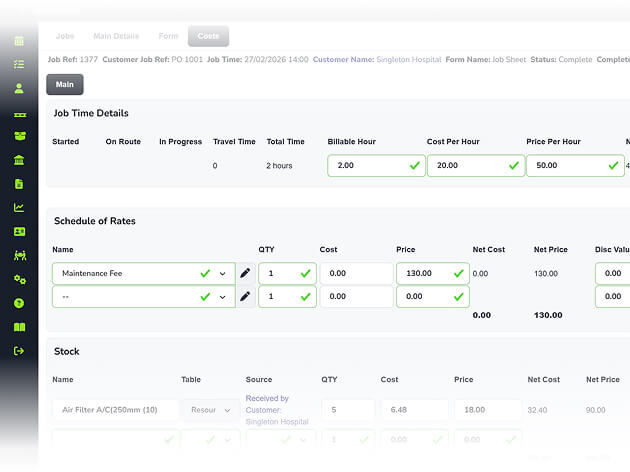
When an engineer uses a part on-site, it's deducted from van stock and attributed to the job cost automatically.

cursor
Low Stock Alerts

Set minimum stock levels and Fieldmotion sends an email alert when any location drops below the threshold.

cursor
Accounts Synced

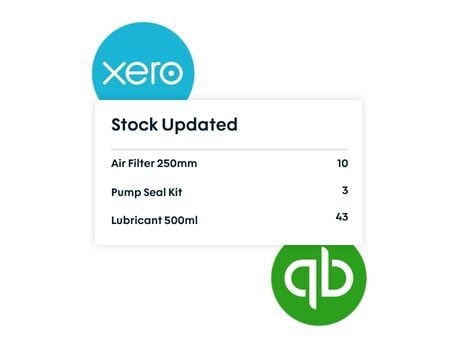
Stock quantities and values sync to Xero or QuickBooks automatically so inventory figures stay accurate.

WHAT’S INCLUDED

Track, Allocate & Replenish

Stock that's tracked properly means jobs that run smoothly. Fieldmotion gives you the visibility to keep parts where they're needed and costs where they belong.

Warehouse and Van Stock Tracking

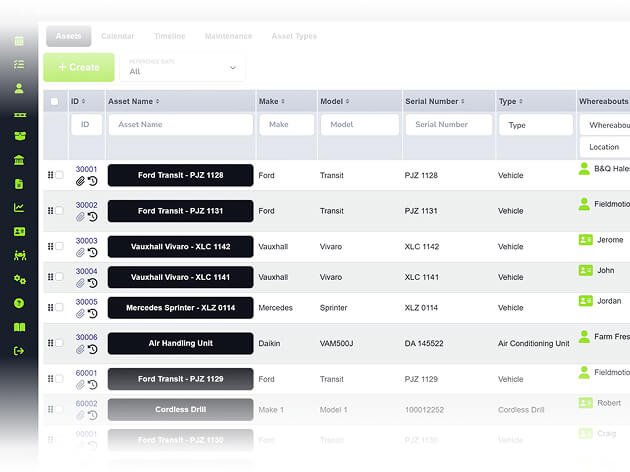
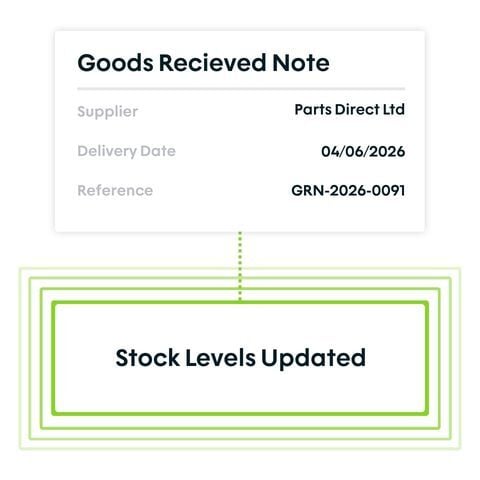
Fieldmotion tracks stock levels across all locations (central warehouse, individual engineer vans, and any secondary storage) updating as parts are used, received, or transferred.

  • ico
    Monitor stock levels per location in real time
  • ico
    Move stock between warehouse and van
  • ico
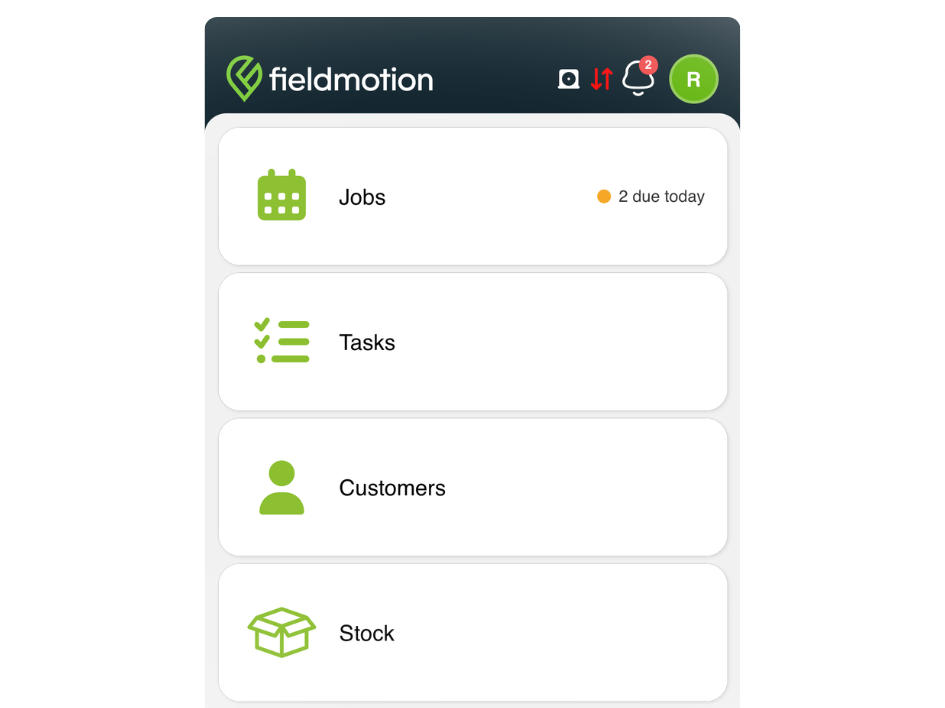
    Engineers check van stock before leaving for a job
warehouse and van stock tracking

Job Allocation and Cost Tracking

Parts used on a job are logged by the engineer in the mobile app and deducted from their stock automatically, keeping job costs accurate and van inventory current.

  • ico
    Allocate parts from van stock through the app
  • ico
    Stock deducted and costed to the job
  • ico
    View stock usage history per customer
job allocation and cost tracking

Alerts, Reporting, and Accounts Sync

Low stock alerts keep your team topped up, reporting gives visibility of stock movement and costs, and automatic sync keeps your accounts accurate. 

  • ico
    Email alerts when stock drops below threshold
  • ico
    Stock values sync to Xero or QuickBooks
  • ico
    Export stock reports to CSV for reconciliation
alerts reporting and accounts sync
Group 1

THE PROCESS

How It Works

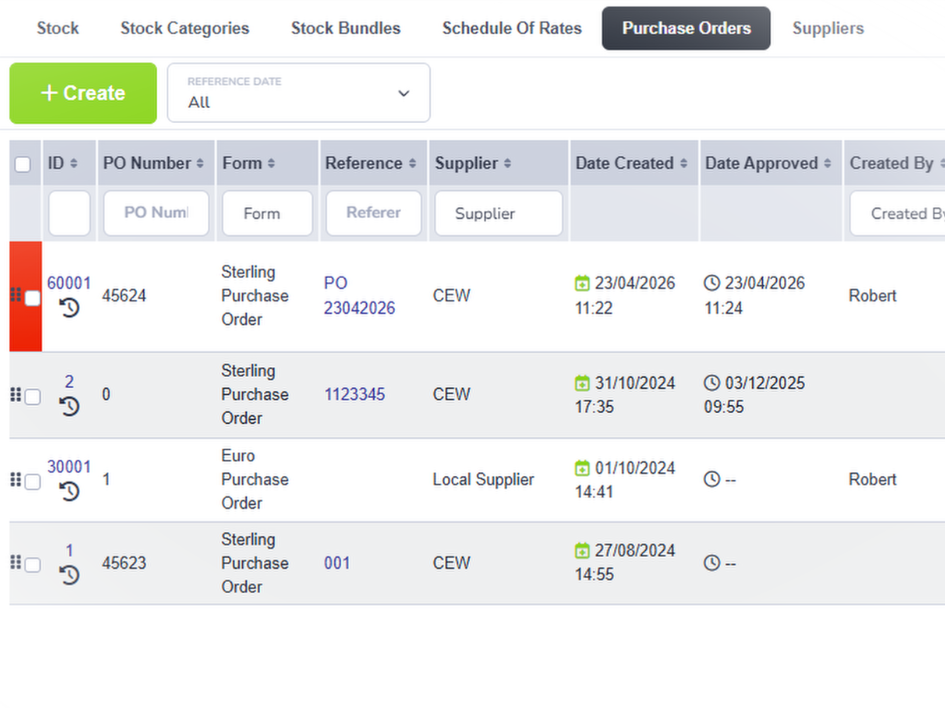
  • Add stock items to Fieldmotion with quantities, costs, and minimum level thresholds per location.
  • Engineers allocate parts to jobs through the app. Stock levels and job costs update automatically.
  • When a threshold is breached, an alert fires so the warehouse or office can reorder before jobs are affected.

ROI SNAPSHOT

Quick Estimate of the impact on your Business

Fill in the fields below and generate your custom estimate.

Phone calls, back-and-forth, manual updates

Your Estimated ROI

Based on 230 working days

Fill in your numbers to see where time and money are slipping away.

SOFTWARE INTEGRATIONS

Works with all the tools you already use

  • xero
    Syncs with customers, invoices, and payments
  • quickbooks
    Syncs with customers, invoices, and payments
  • sage
    Syncs with customers, invoices, and payments

CLIENT RESULTS

Our Customers See Real Impact

"Fieldmotion has given the business comfort that there is a software solution available to us, and a support structure in place behind it that epitomises great customer service."
autor
Kevin Gray

Operations Director, Just Energy Solutions

  • 0%

    admin reduction

  • 0x

    faster invoicing

  • +0%

    on-time arrival

FAQs

Can engineers see their own van stock in the Fieldmotion app?

Yes. Engineers have a view of their own van stock through the mobile app. They can check what they're carrying before leaving for a job and allocate parts while on-site. If a part isn't on the van, they can check warehouse availability before deciding whether to return for it or order it in.

How does stock update when parts are used on a job?

When an engineer logs a part against a job in the mobile app, Fieldmotion deducts it from their van stock and attributes the cost to the job record automatically. The office always has an accurate view of what each engineer has on their van and what's been used where, without a weekly stock count.

How do low stock alerts work?

You set a minimum stock level for each item at each location. When stock drops to or below that threshold (because parts have been used on jobs) Fieldmotion sends an email alert to the relevant person: a warehouse manager, an office administrator, or the engineer themselves. This gives you time to reorder before jobs are affected.

Does stock sync with accounting software?

Yes. Stock quantities and values sync automatically to Xero and QuickBooks, keeping inventory figures accurate in your accounts. For businesses using Sage 50, stock data can be exported in a compatible format. This is useful for year-end stock valuations and ongoing cost of goods reporting.