• FIELD SERVICE CRM

Every customer.
All in one place.

Give your team a complete view of each customer: contacts, job history, quotes, invoices, assets, and contracts, without switching between tools.

  • iOS & Android App
  • Works offline
cursor
Full Picture

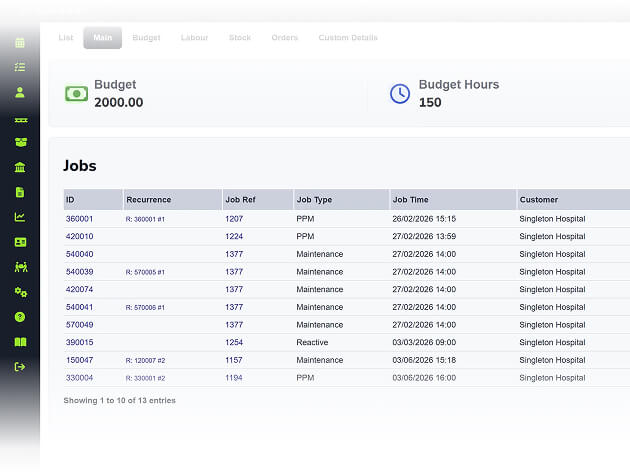
Contacts, site addresses, job history, quotes, invoices, and assets all sit under a single customer record, searchable in seconds.

cursor
Multi-Site Ready

Link head office accounts to individual sites so you can manage multi-location customers without duplicating records.

cursor
Follow-Ups

Set callback dates and follow-up reminders so your sales and admin teams stay on top of leads, quotes, and outstanding conversations.

cursor
Track Profitability

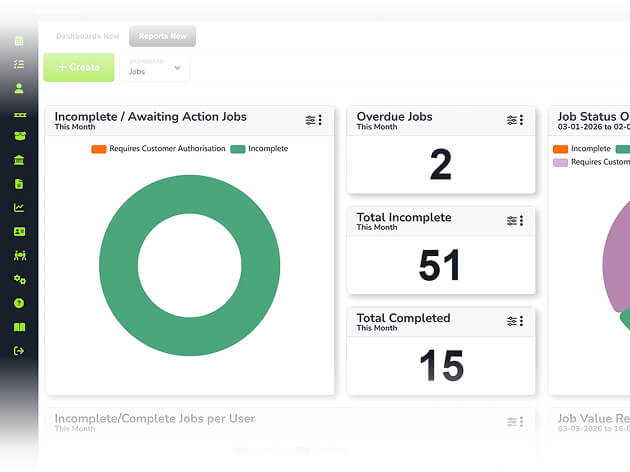
Financial reports per customer show job value, revenue, and outstanding invoices so you know where profit comes from.

WHAT’S INCLUDED

Asset and Compliance Overview 

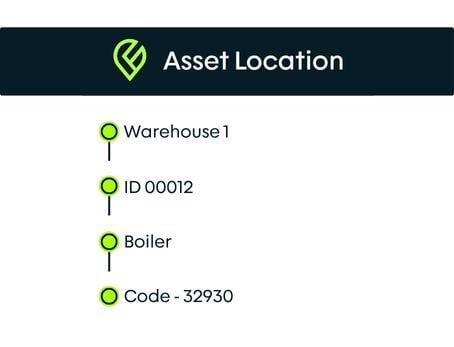
 From the customer record, managers can see every asset on-site, its last service date, upcoming maintenance, and any compliance certificates attached. 

Complete Customer and Site Profiles

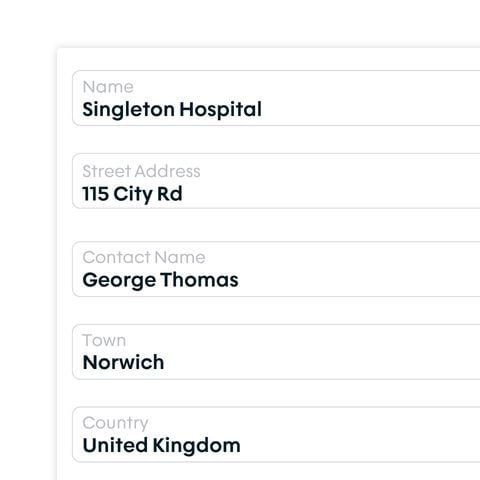
Every customer record holds the full picture: contacts, site addresses, job history, and custom fields. All of it visible on the engineer's phone when they open a job.

  • ico
    Store multiple sites under one customer account
  • ico
    Site details pull through to the engineer's app
  • ico
    Separate accounts from leads in the pipeline
crm-complete-customer-and-site-profiles

Full Job, Quote, and Invoice History

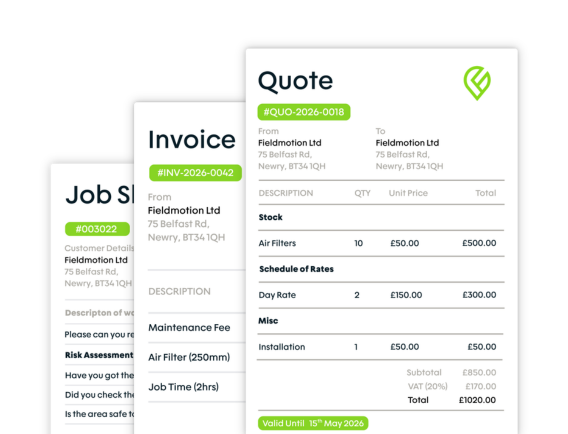
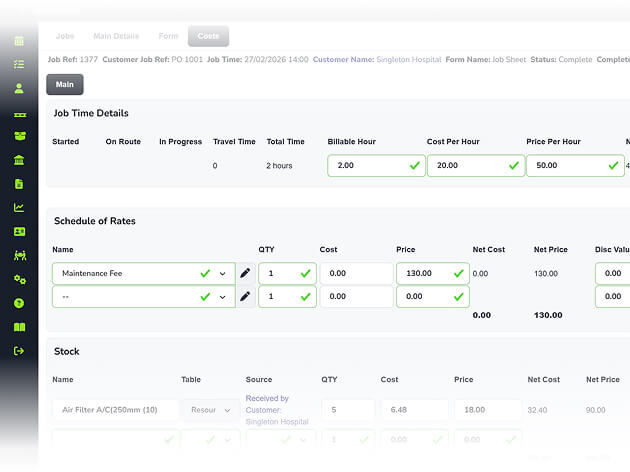
Every quote sent, job completed, and invoice raised links to the customer record, so your team has the full picture.

  • ico
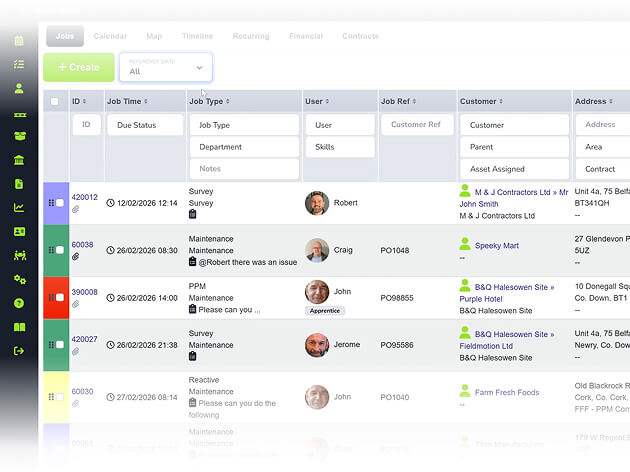
    View all jobs from the customer timeline
  • ico
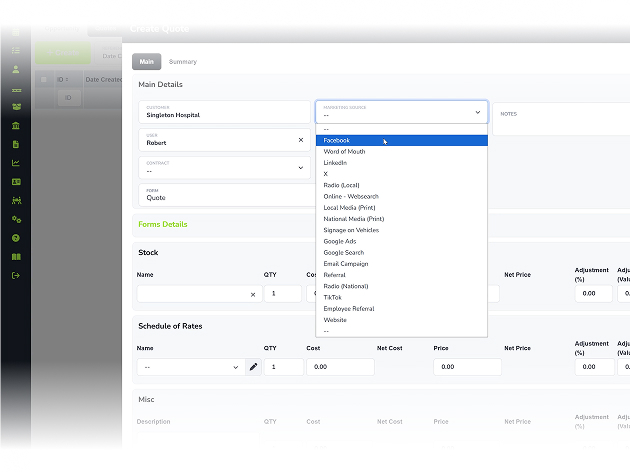
    See every quote, its value, and outcome
  • ico
    Review invoice history and balances
full-job-quote-and-invoice-history

Asset and Compliance Overview

Keep every customer asset, compliance record, and maintenance history organised in one central location.

  • ico
    Full asset register and history per customer
  • ico
    Link compliance records to each customer
  • ico
    See overdue assets from the customer screen
asset-and-compliance-overview
Group 1

THE PROCESS

How It Works

  • Add a customer with their sites, contacts, and any relevant custom information.
  • Every quote, job, invoice, and asset interaction logs automatically against their record.
  • Your team searches, reviews, and acts from one screen without switching between systems.

ROI SNAPSHOT

Quick Estimate of the impact on your Business

Fill in the fields below and generate your custom estimate.

Phone calls, back-and-forth, manual updates

Your Estimated ROI

Based on 230 working days

Fill in your numbers to see where time and money are slipping away.

SOFTWARE INTEGRATIONS

Works with all the tools you already use

  • xero
    Syncs with customers, invoices, and payments
  • quickbooks
    Syncs with customers, invoices, and payments
  • sage
    Syncs with customers, invoices, and payments

CLIENT RESULTS

Our Customers See Real Impact

"Fieldmotion has given the business comfort that there is a software solution available to us, and a support structure in place behind it that epitomises great customer service."
autor
Kevin Gray

Operations Director, Just Energy Solutions

  • 0%

    admin reduction

  • 0x

    faster invoicing

  • +0%

    on-time arrival

FAQs

Can Fieldmotion handle customers with multiple sites?

Yes. Fieldmotion supports parent and child account structures, so a head office client sits as the parent with individual sites linked underneath. Jobs, assets, and invoices can be managed at site level while remaining connected to the parent account. This works well for facilities management and multi-site commercial customers.

Can we track leads and sales opportunities in the CRM?

Yes. Fieldmotion lets you differentiate between leads and active accounts, set callback dates, and track opportunities through to quote and job creation. Your sales and admin teams can manage their pipeline without running a separate tool alongside Fieldmotion.

Is the CRM accessible to engineers in the field?

Engineers can view customer details, site addresses, job history, and asset information through the Fieldmotion mobile app, including offline. Access to financial records like invoice values is controlled by permissions, so engineers see the operational context they need without accessing data that's not relevant to their work.

Can custom fields be added to customer records?

Yes. Fieldmotion lets you add custom fields to customer and site records to capture information specific to your trade or workflow, such as accreditation numbers, access codes, contact preferences, or compliance notes. These fields are searchable and appear on job records linked to that customer.

Can we import our existing customer data into Fieldmotion?

Yes. Your existing customer list can be imported via spreadsheet during onboarding. The Fieldmotion team handles this as part of setup. If you use Xero or QuickBooks, your customers can also sync across automatically once the integration is connected, so there's no manual re-entry.