• JOB MANAGEMENT

Log it. Assign it.
Invoice it.

Keep every job organised from creation to completion with real-time scheduling, live updates, and complete visibility for your office and field teams.

  • iOS & Android App
  • Works offline
cursor
Jobs Logged Fast

Create a job from a call, email, form, or quote approval, with all details carried through.

cursor
Live Status

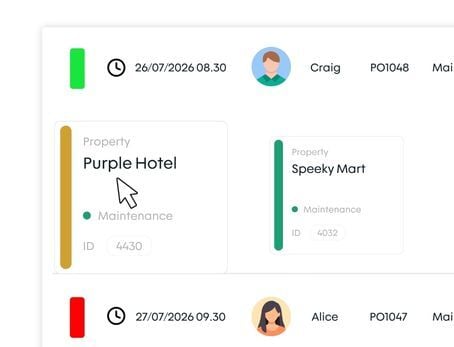
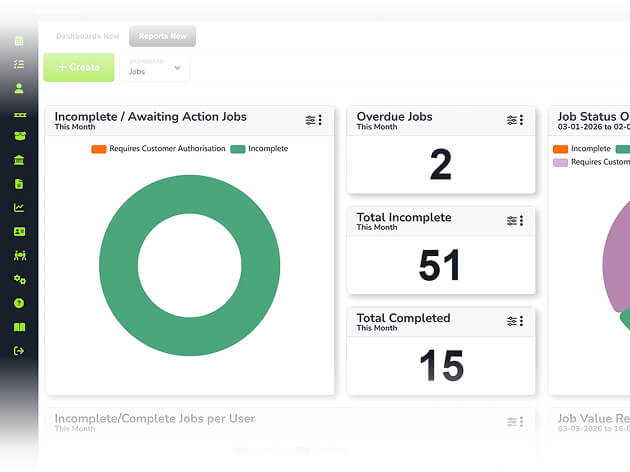
A traffic-light system gives every manager a live view of what's open, in progress, overdue, and complete.

cursor
Job Costing

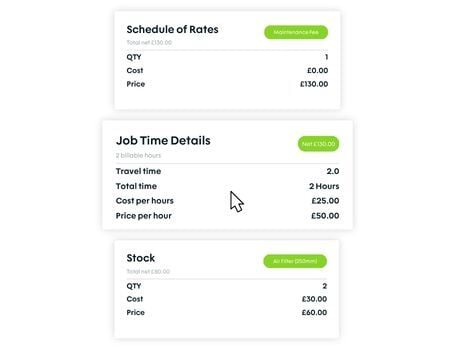
Labour time, parts used, mileage, and expenses are logged against each job as work happens.

cursor
No Loose Ends

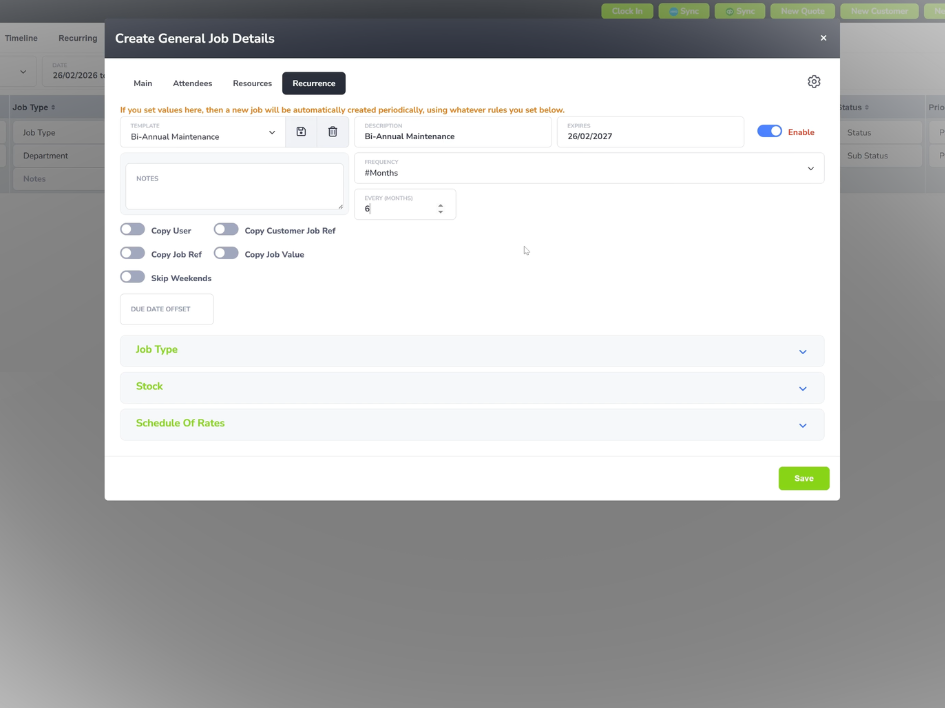
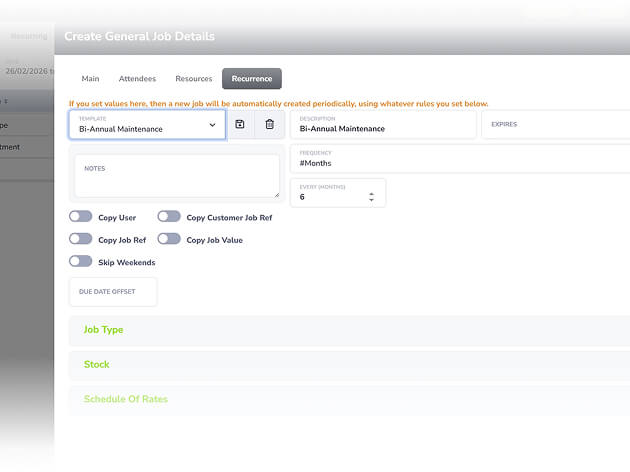
Automated reminders, follow-up triggers, and recurring job schedules mean no job gets forgotten.

WHAT’S INCLUDED

Plan, Assign & Track Jobs

Think of it as an inbox-outbox for your team. Jobs come in, get assigned, get completed with a full cost record attached, and move off your list. Nothing sits around, nothing falls through.

Job Creation and Assignment

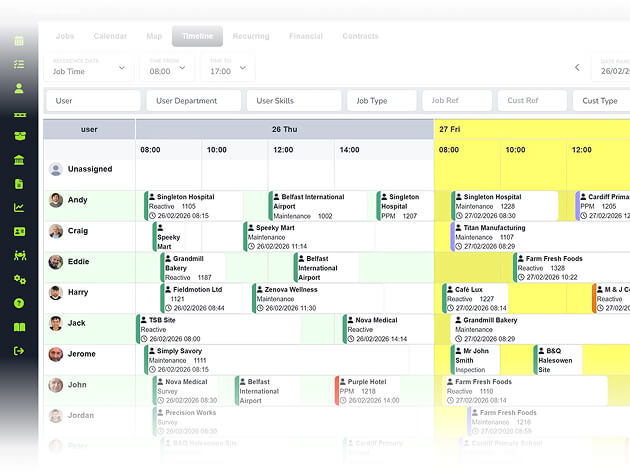
Jobs arrive from multiple sources and land in the same queue: phone, web form, quote conversion, or recurring schedule, ready to assign in seconds. 

  • ico
    Create one-off or recurring jobs with custom types
  • ico
    Assign jobs by skill, location, and availability
  • ico
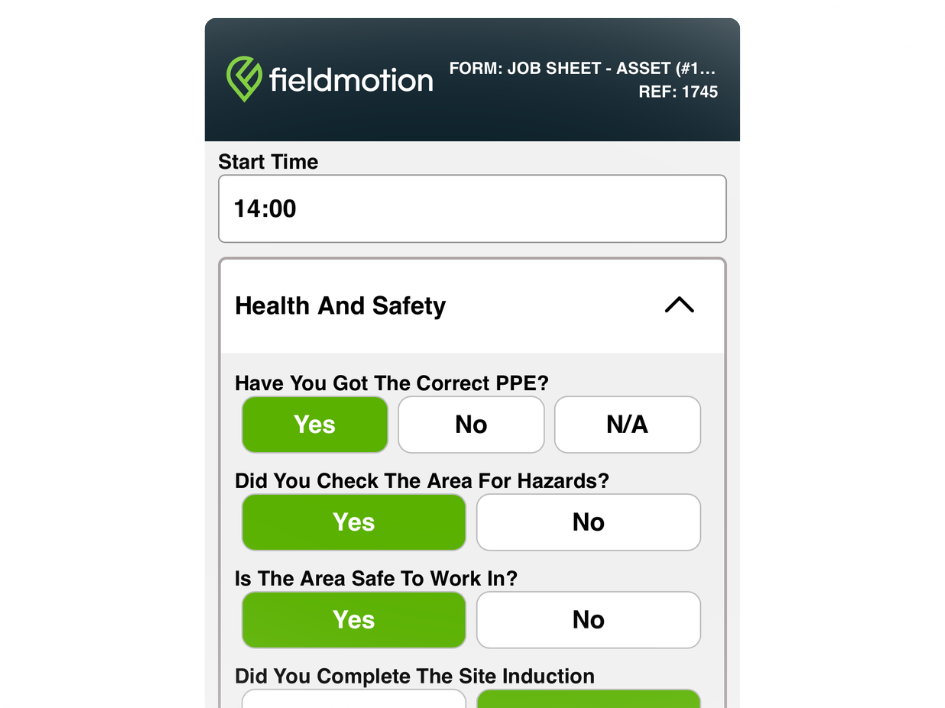
    Attach assets, stock, and forms at job creation

job creation and assignment

Real-Time Progress Tracking

A colour-coded status view shows every manager where each job stands without calling engineers or chasing.

  • ico
    Traffic-light status: list, calendar and map
  • ico
    Status updates automatically as jobs progress
  • ico
    Notifications fire to customers and staff
real time progress tracking

Job Costing and Close-Out

Every job closes with a complete cost record covering labour, stock, mileage, and extras, ready for invoicing. 

  • ico
    Labour hours pulled from clock-in and clock-out
  • ico
    Stock deducted from inventory and costed
  • ico
    Engineers attach supplier receipt photos
job costing and close out
Group 1

THE PROCESS

How It Works

  • Job is created from a call, a form, or a scheduled trigger and assigned to an engineer.
  • Engineer completes the work on-site via the mobile app, updating status and logging costs as they go.
  • Job closes with a full cost record attached, ready for invoicing and reporting.

ROI SNAPSHOT

Quick Estimate of the impact on your Business

Fill in the fields below and generate your custom estimate.

Phone calls, back-and-forth, manual updates

Your Estimated ROI

Based on 230 working days

Fill in your numbers to see where time and money are slipping away.

SOFTWARE INTEGRATIONS

Works with all the tools you already use

  • xero
    Syncs with customers, invoices, and payments
  • quickbooks
    Syncs with customers, invoices, and payments
  • sage
    Syncs with customers, invoices, and payments

CLIENT RESULTS

Our Customers See Real Impact

"Fieldmotion has given the business comfort that there is a software solution available to us, and a support structure in place behind it that epitomises great customer service."
autor
Kevin Gray

Operations Director, Just Energy Solutions

  • 0%

    admin reduction

  • 0x

    faster invoicing

  • +0%

    on-time arrival

FAQs

Can jobs be created from multiple sources in Fieldmotion?

Yes. Jobs can be created manually by office staff, by engineers through the mobile app, automatically from recurring schedules, from approved quotes, or from incoming job requests through the Customer Portal. Whatever the source, every job goes through the same workflow and lands in the same queue.

How does Fieldmotion track job costs?

Labour time is captured through engineer clock-in and clock-out from the mobile app and attributed to the job automatically. Parts used are logged and deducted from stock with their cost applied. Mileage and additional expenses can be added by the engineer on-site. When the job closes, a full cost breakdown is ready for invoicing and profitability analysis.

Can jobs be linked to specific assets?

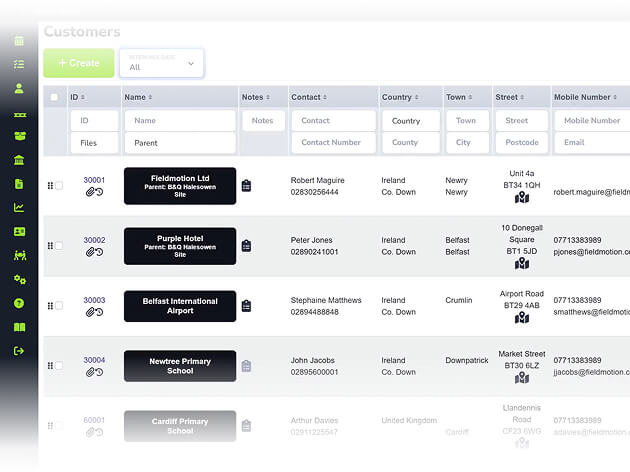
Yes. Jobs are linked to the customer, site, and relevant asset during creation. Every visit then adds to the asset's service history automatically, producing a full record over time.

Does Fieldmotion support multiple engineers on one job?

Yes. Multiple engineers can be assigned to a single job, with individual time and cost records tracked per engineer. This suits larger installation or survey jobs where a team attends and individual labour costs need to be captured separately.

Can we edit hours, materials, or form data after an engineer has submitted?

Yes. Office staff can edit job records after an engineer marks the job complete, adjusting logged hours, updating parts used, or correcting form entries before the job is invoiced. Engineers can also be given edit permissions if that suits your workflow. All changes are time-stamped so there's always a clear record of what was amended and when.