• MOBILE FORMS

Your existing forms, digitised, built for you.

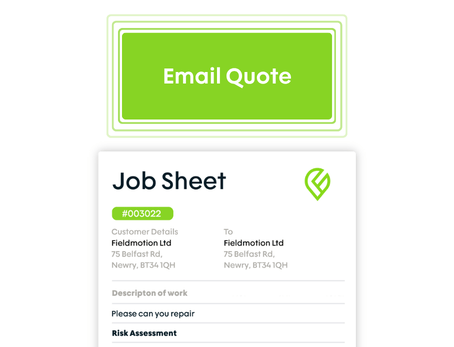
Send us your paper forms and we'll replicate them in Fieldmotion, with your branding, your structure, and the logic to make them faster to complete on-site.

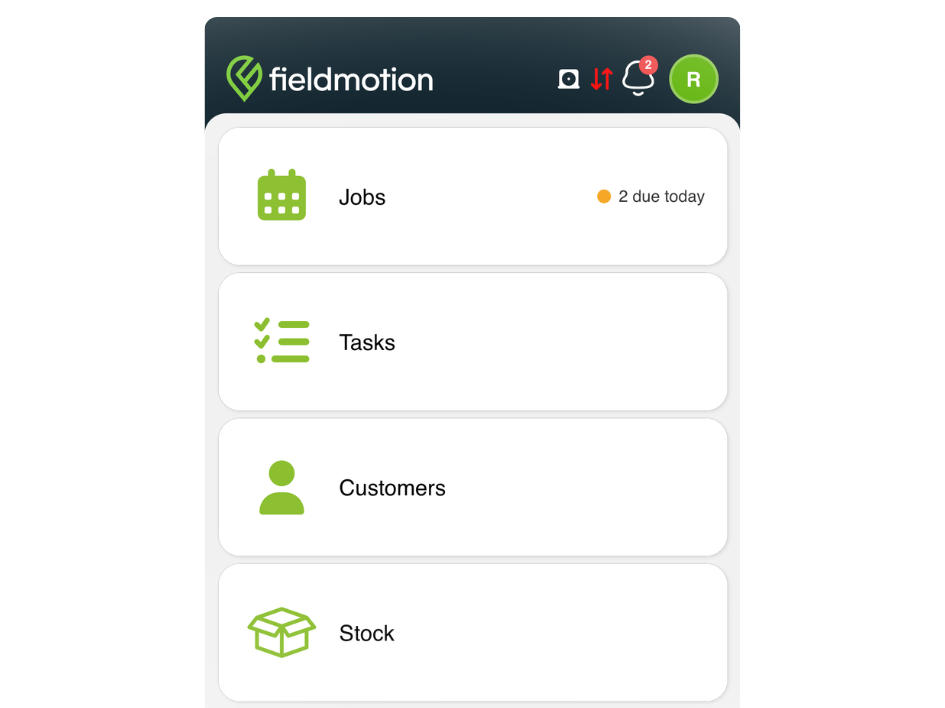
  • iOS & Android App
  • Works offline
cursor
Forms Replicated

Fieldmotion replicates your existing forms digitally with your structure, branding, and logic.

cursor
Nothing Skipped

Required fields, mandatory photos, and conditional logic mean engineers can't close a job incomplete.

cursor
Safety First

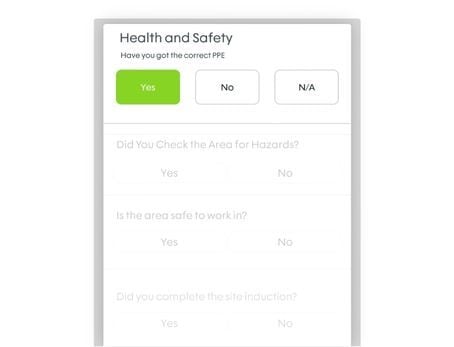
Gate the job sheet behind a mandatory risk assessment so safety checks are completed every time.

cursor
Instant Returns

Submitted forms reach the office the moment an engineer hits submit. No end-of-day paperwork.

WHAT’S INCLUDED

Build, Configure & Deploy

Forms that work the way your business does, not a generic template someone else designed. 

Custom Form Builder

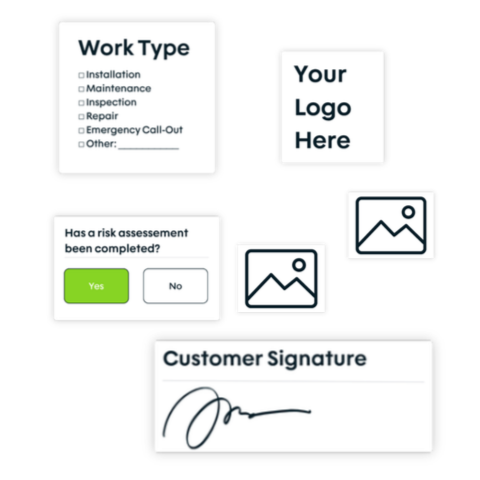
Build forms using a full range of field types (dropdowns, multiple choice, text, photos, signatures, date pickers, and more) and organise them into sections that match your workflow.

  • ico
    Your forms replicated with your branding
  • ico
    Conditional logic shows or hides fields
  • ico
    Hidden fields capture data without clutter
custom form builder

Health, Safety, and Mandatory Capture

Set mandatory fields so engineers can't submit forms or complete jobs without capturing the information that matters. Require a risk assessment before the job sheet can be accessed, if needed.

  • ico
    Required fields prevent incomplete submissions
  • ico
    Risk assessment gates access to the job sheet
  • ico
    Require photos or signatures before close
health-safety-and-mandatory-capture-1

Dynamic and Expanding Forms

For jobs where the data volume grows on-site (multiple assets, multiple readings, multiple bays) forms expand dynamically as engineers add entries. 

  • ico
    Repeated sections handle multi-asset inspections in one form
  • ico
    Expand without limits
  • ico
    All entries attach to the job and asset record
dynamic and expanding forms
Group 1

THE PROCESS

How It Works

  • Send us your existing paper forms, or describe what you need. The Fieldmotion team recreates them digitally, with your logo, your structure, and your field types.
  • Assign the form to the relevant job type so engineers see it automatically when the job opens.
  • Engineer completes the form on-site. All data syncs to the office in real time.

ROI SNAPSHOT

Quick Estimate of the impact on your Business

Fill in the fields below and generate your custom estimate.

Phone calls, back-and-forth, manual updates

Your Estimated ROI

Based on 230 working days

Fill in your numbers to see where time and money are slipping away.

SOFTWARE INTEGRATIONS

Works with all the tools you already use

  • xero
    Syncs with customers, invoices, and payments
  • quickbooks
    Syncs with customers, invoices, and payments
  • sage
    Syncs with customers, invoices, and payments

CLIENT RESULTS

Our Customers See Real Impact

"Fieldmotion has given the business comfort that there is a software solution available to us, and a support structure in place behind it that epitomises great customer service."
autor
Kevin Gray

Operations Director, Just Energy Solutions

  • 0%

    admin reduction

  • 0x

    faster invoicing

  • +0%

    on-time arrival

FAQs

Do you build the forms for us, or do we have to do it ourselves?

The Fieldmotion team builds your forms as part of onboarding. You send over your existing paper forms, job sheets, risk assessments, or compliance documents, and we recreate them digitally, with your logo, your layout, and the field logic you need. You review, request changes, and we refine until they're right. You can also build and edit forms yourself at any time using the form builder.

Can Fieldmotion replicate our existing paper forms?

Yes. The Fieldmotion form builder supports all common field types (text, dropdowns, multiple choice, date pickers, photos, and signatures) so your existing forms can be recreated digitally with the same layout and structure. If you'd prefer not to build them yourself, the Fieldmotion team can work from your existing templates and build them for you.

Can forms include conditional logic?

Yes. You can set conditions that show or hide specific fields based on a previous answer. Selecting "fail" on an inspection question can reveal a free-text fault description field and a mandatory photo, while a "pass" answer skips those fields entirely. This keeps forms clean for routine jobs while capturing what's needed when issues arise.

How are completed forms stored and accessed?

Completed forms attach to the job record in Fieldmotion automatically. They're accessible from the office, from the customer record, and through the customer portal if you choose to share them. They can also be exported as PDFs for sending to customers or storing externally. All forms are time-stamped with the engineer's details and location.

Does the mobile app support form completion without a signal?

Engineers can open, complete, and submit forms in full offline mode. All data (text entries, photos, signatures) is stored on the device and syncs to Fieldmotion when connectivity returns. Nothing is lost and no fields need re-entering.