• MOBILE APP

Out the door.
Fully prepared.

The Fieldmotion mobile app gives engineers a clear job plan, the tools to capture everything on-site, and offline capability that keeps working even when signal doesn't.

  • iOS & Android App
  • Works offline
cursor
Day Plan Ready

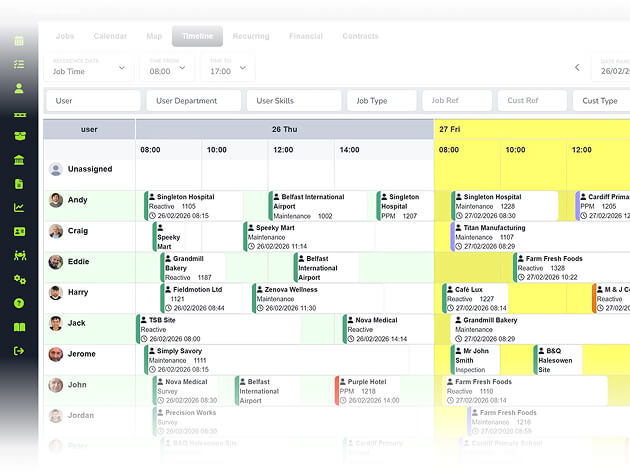
Engineers see their full schedule, job details, site history, and access notes in one app. No phone calls to the office, no printed run sheets.

cursor
Capture All

Photos, signatures, forms, parts used, and time logged all captured in the app and synced to the office once work is complete.

cursor
Stay Connected

Full offline mode means engineers complete job sheets, record asset data, and take photos in basements or remote sites.

cursor
Fast Adoption

Once engineers stop getting phone calls about yesterday's jobs, they stop resisting the app. Most teams see full adoption within the first week.

WHAT’S INCLUDED

Plan, Capture & Sync

An app that engineers actually want to use, because it saves them time rather than adding steps to their day.

Job Plans and Site Information

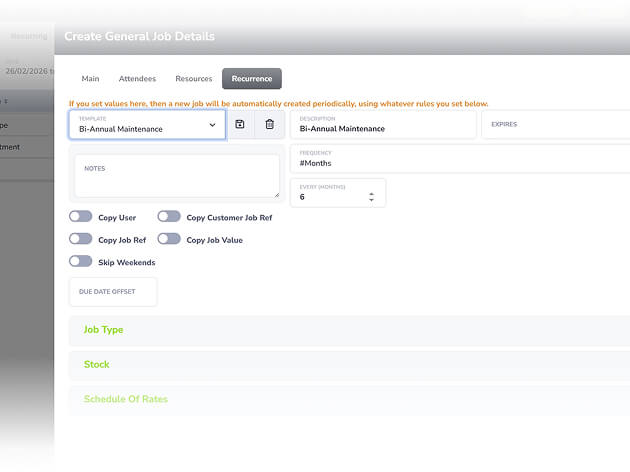
Engineers open the app and see their full schedule with everything they need before arriving: job details, site notes, access codes, asset history, and customer information.

  • ico
    Full job brief with customer, address, and notes
  • ico
    Site access codes pulled through automatically
  • ico
    One-tap navigation to every job via Maps
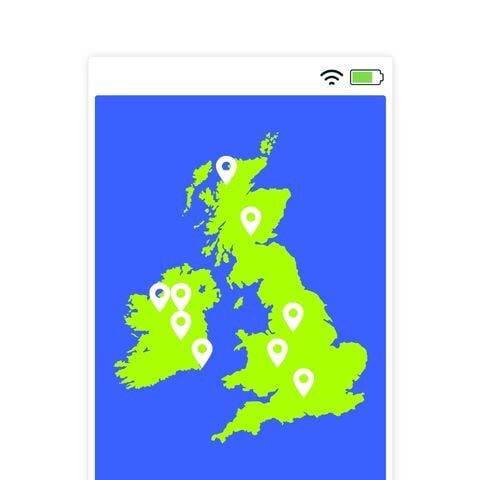
job plans and site information

On-Site Data Capture

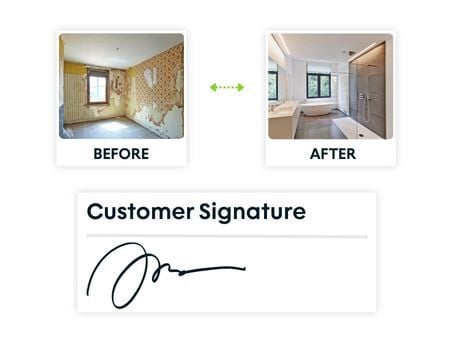
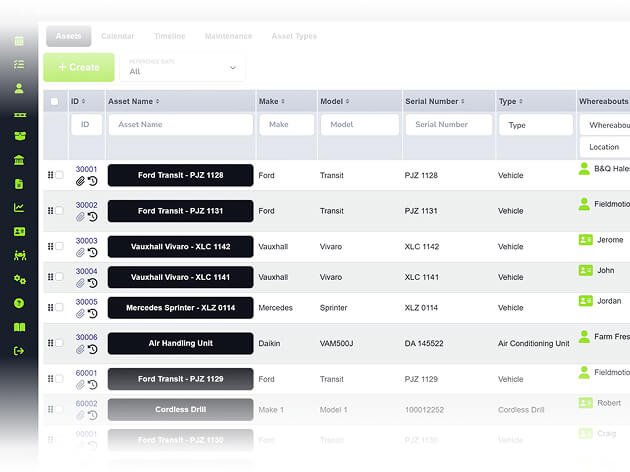
Everything captured on-site gets recorded in the app: forms, photos, parts, signatures, and time, and flows back to the office without the engineer lifting a pen.

  • ico
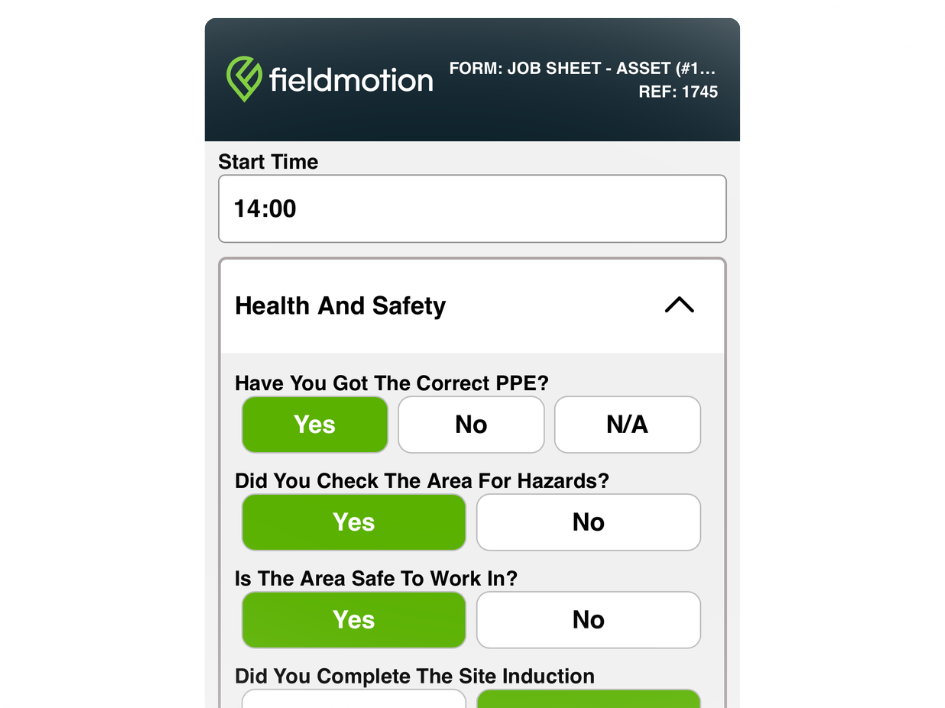
    Job sheets, risk assessments, and more on-site
  • ico
    Capture up to 200 photos per job
  • ico
    Digital signatures with timestamp and GPS
on site data capture

Clock-In, Stock, and Costs

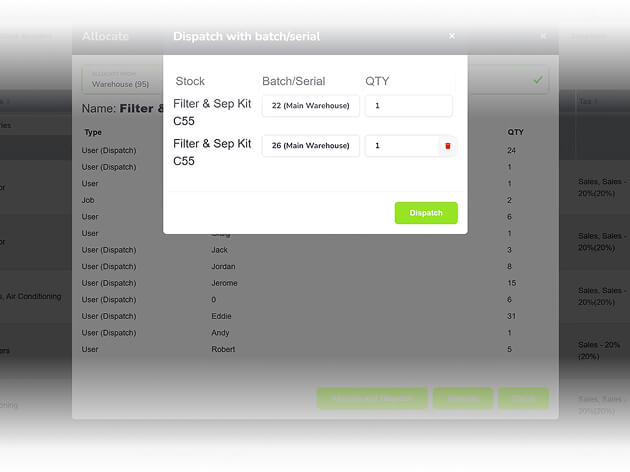
Engineers clock in and out, log parts from van stock, and flag follow-on work on-site, keeping costs accurate without office involvement.

  • ico
    Clock in and out per job for payroll
  • ico
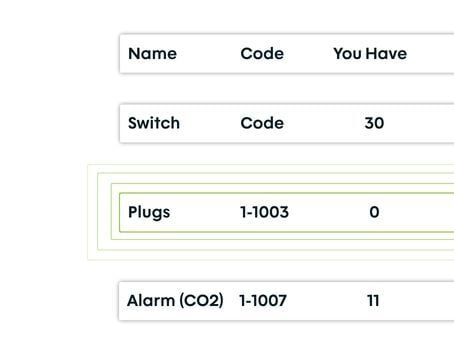
    Allocate van or user stock from the job
  • ico
    Create follow-on jobs or flag additional work
clock-in-stock-and-costs
Group 1

THE PROCESS

How It Works

  • Engineer opens the app at the start of the day. Full schedule, job details, and site-specific information are ready before they leave.
  • On-site, they complete forms, take photos, log parts, and capture a signature, all in the app.
  • The job closes and the completed record reaches the office immediately, ready for review and invoicing without waiting for anyone to come back.

ROI SNAPSHOT

Quick Estimate of the impact on your Business

Fill in the fields below and generate your custom estimate.

Phone calls, back-and-forth, manual updates

Your Estimated ROI

Based on 230 working days

Fill in your numbers to see where time and money are slipping away.

SOFTWARE INTEGRATIONS

Works with all the tools you already use

  • xero
    Syncs with customers, invoices, and payments
  • quickbooks
    Syncs with customers, invoices, and payments
  • sage
    Syncs with customers, invoices, and payments

CLIENT RESULTS

Our Customers See Real Impact

"Fieldmotion has given the business comfort that there is a software solution available to us, and a support structure in place behind it that epitomises great customer service."
autor
Kevin Gray

Operations Director, Just Energy Solutions

  • 0%

    admin reduction

  • 0x

    faster invoicing

  • +0%

    on-time arrival

FAQs

Does the mobile app work without an internet connection?

Yes. The Fieldmotion app has a full offline mode. Engineers can view their schedule, access customer and asset information, complete forms, take photos, and log parts, all without signal. Everything syncs to the office automatically when connectivity returns, with no data lost and nothing to re-enter.

What devices does the app support?

The Fieldmotion mobile app runs on iOS (iPhone and iPad) and Android devices. It works across a range of device types and screen sizes, so engineers can use existing phones or company-issued devices without needing specific hardware.

Can the app be restricted to control what engineers see?

Yes. Fieldmotion is permission-driven. You control exactly what each engineer or user type can access, whether that's financial information, customer contact details, stock values, or the ability to create new jobs. Different permission levels can be set for engineers, supervisors, and office staff.

How does the app handle job status updates?

When an engineer updates a job status in the app (accepted, travelling, on-site, complete) those changes are reflected in the office system straight away. Office staff can see where every engineer is in their day without calling them, and automated notifications can trigger to customers at key status changes.

Will our engineers actually use it?

In practice, yes. The app is built to require as little from engineers as possible: tick boxes, dropdowns, and photo capture rather than typing. The biggest driver of adoption is that engineers stop receiving calls asking about work they did yesterday, because the office already has the record. Most teams report full adoption within the first week.