• JOB SCHEDULING

Right engineer. Right job. Every time.

A drag-and-drop scheduler with a live view of every engineer, every job, and every gap in the diary. Plan a full day in minutes and update it in seconds.

  • iOS & Android App
  • Works offline
cursor
Dispatch Faster

Drag-and-drop scheduling with live engineer availability and skills means you stop calling around.

cursor
Instant Updates

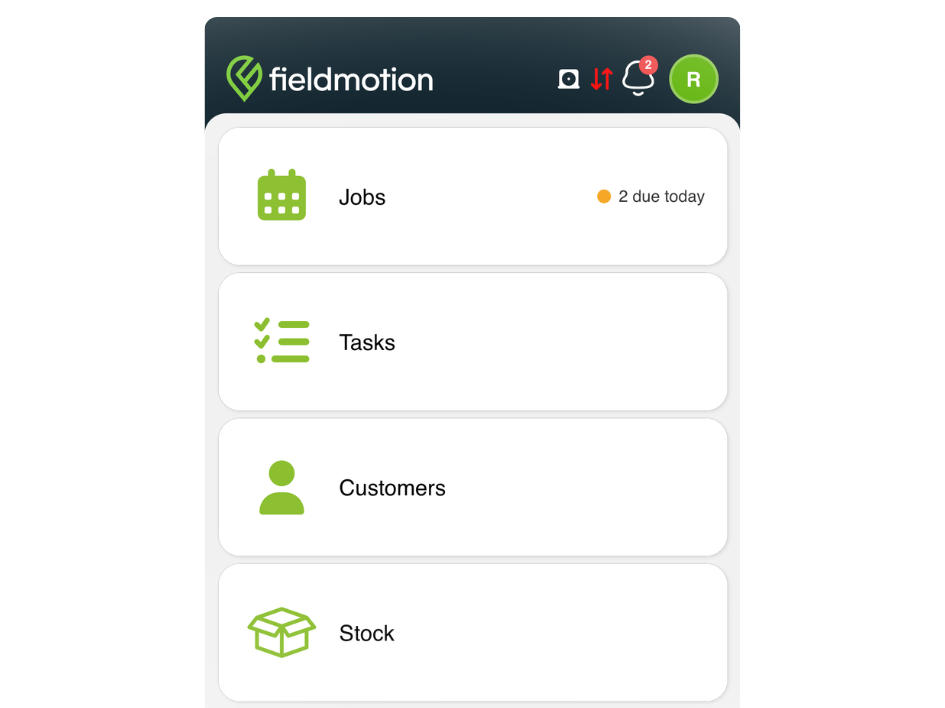
Job updates push to the engineer's phone the moment you make a change.

cursor
Four Views

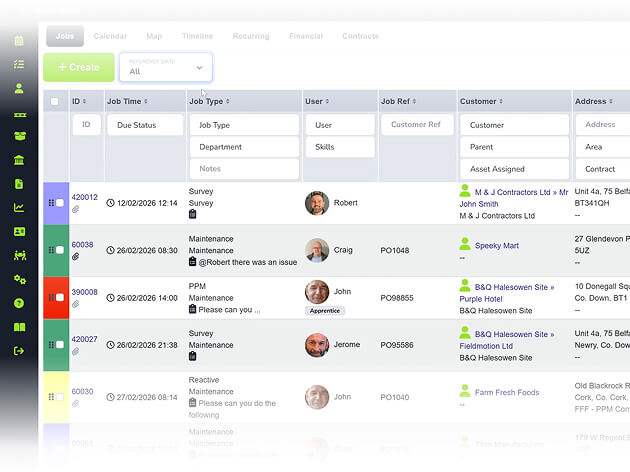
Switch between calendar, list, map, and timeline to find the scheduling angle that works for your team.

cursor
Skill Filtering

Filter by skill set, certification, and location so the right person goes to every job.

WHAT’S INCLUDED

Schedule, Dispatch & Track

Scheduling is where wasted time is most visible in a field service business. Fieldmotion cuts the planning overhead and keeps your engineers moving.

Drag-and-Drop Diary

One screen shows every engineer's day, every available slot, and every assigned job. Assign work in a single drag and the engineer's phone updates automatically. 

  • ico
    See every engineer, their jobs, and free slots
  • ico
    Drag jobs between engineers, confirm instantly
  • ico
    Colour-coded: confirmed, in progress, complete
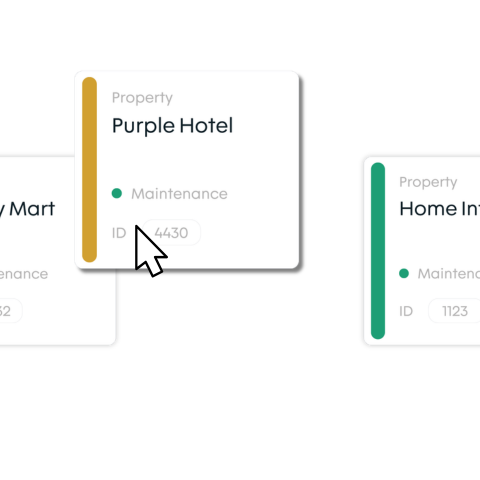
drag and drop diary

Map View and Route Planning

The map view plots all your jobs and engineers geographically so you can assign work to the closest available person and group jobs by area to cut travel. 

  • ico
    View jobs and engineers on an interactive map
  • ico
    Group nearby jobs to cut travel time
  • ico
    Filter by region or skill for the right engineer
map view and route planning

Skill Filters and Multi-Engineer Jobs

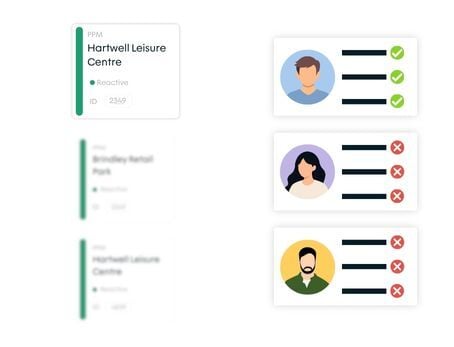
For jobs requiring a specific qualification or a full team, Fieldmotion filters engineers by skill set and supports multiple engineer assignment on a single job. 

  • ico
    Filter by skill, trade, or certification
  • ico
    Assign multiple engineers with time tracking
  • ico
    Manage availability, holidays, and absence
skill filters and multi engineer jobs
Group 1

THE PROCESS

How It Works

  • New job arrives (by call, portal request, or recurring trigger) and appears in the unscheduled queue.
  • Scheduler assigns it to an available engineer using the diary or map view, based on skills and location.
  • Engineer receives the job on their phone immediately and the office tracks progress from the same screen.

ROI SNAPSHOT

Quick Estimate of the impact on your Business

Fill in the fields below and generate your custom estimate.

Phone calls, back-and-forth, manual updates

Your Estimated ROI

Based on 230 working days

Fill in your numbers to see where time and money are slipping away.

SOFTWARE INTEGRATIONS

Works with all the tools you already use

  • xero
    Syncs with customers, invoices, and payments
  • quickbooks
    Syncs with customers, invoices, and payments
  • sage
    Syncs with customers, invoices, and payments

CLIENT RESULTS

Our Customers See Real Impact

"Fieldmotion has given the business comfort that there is a software solution available to us, and a support structure in place behind it that epitomises great customer service."
autor
Kevin Gray

Operations Director, Just Energy Solutions

  • 0%

    admin reduction

  • 0x

    faster invoicing

  • +0%

    on-time arrival

FAQs

How does drag-and-drop scheduling work in Fieldmotion?

The Fieldmotion scheduler shows all your engineers in a calendar view with their current jobs, available time slots, and any absence marked. To assign a job, you drag it from the unscheduled queue and drop it into an engineer's slot. The engineer's phone updates automatically, with no call or text required.

Can the scheduler filter engineers by skill or certification?

Yes. You can tag engineers with skills, trade certifications, and department, then filter the view to show only engineers qualified for a particular job type. This reduces the risk of sending the wrong person and speeds up finding the right engineer for specialist work.

Does Fieldmotion support emergency callout scheduling?

Yes. Reactive and emergency jobs can be created and dispatched in seconds. The map view shows the nearest available engineers to the job location, so the dispatcher can assign the closest qualified person and push job details to their phone immediately.

How does the scheduler handle recurring jobs and planned maintenance?

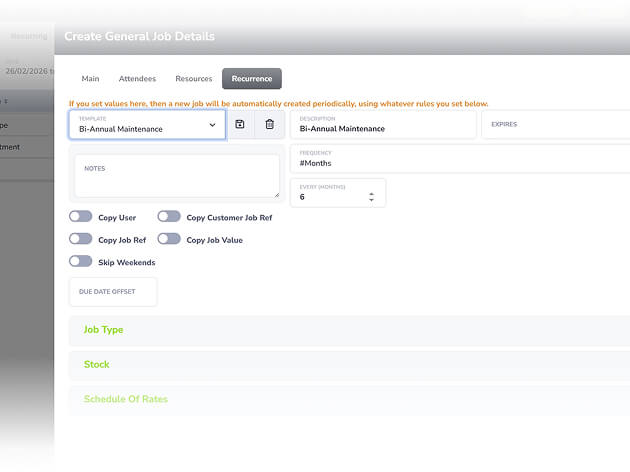
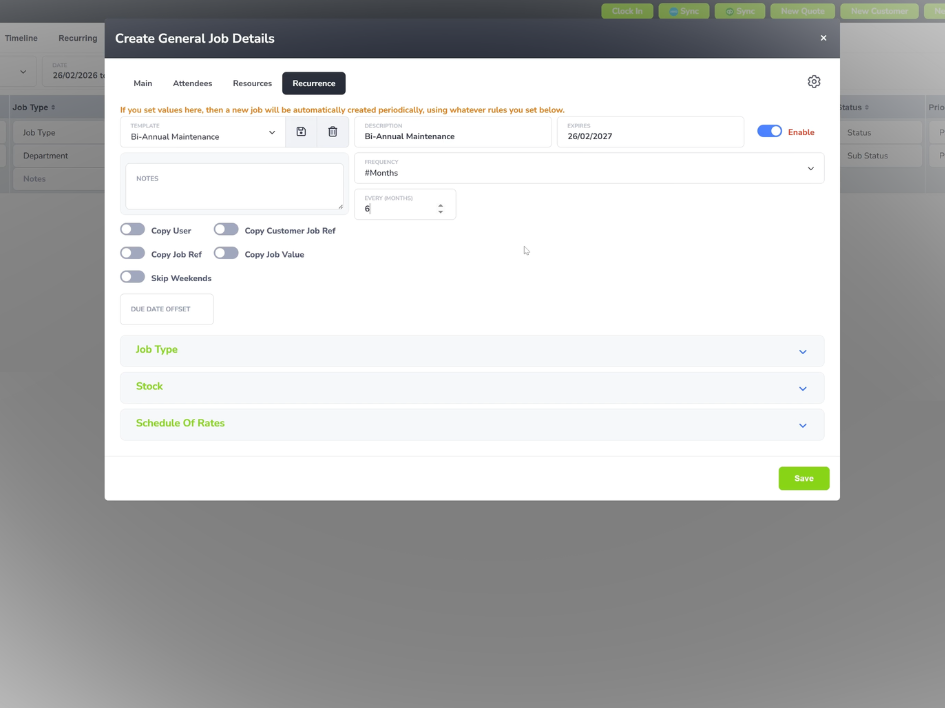
Recurring jobs and PPM visits are generated automatically by Fieldmotion at the frequency you set and dropped into the scheduling queue at the appropriate time. They appear alongside reactive jobs so schedulers can plan capacity across both planned and reactive workloads from one screen.